1. Introduction
5
AirLive N.MINI User’s Manual
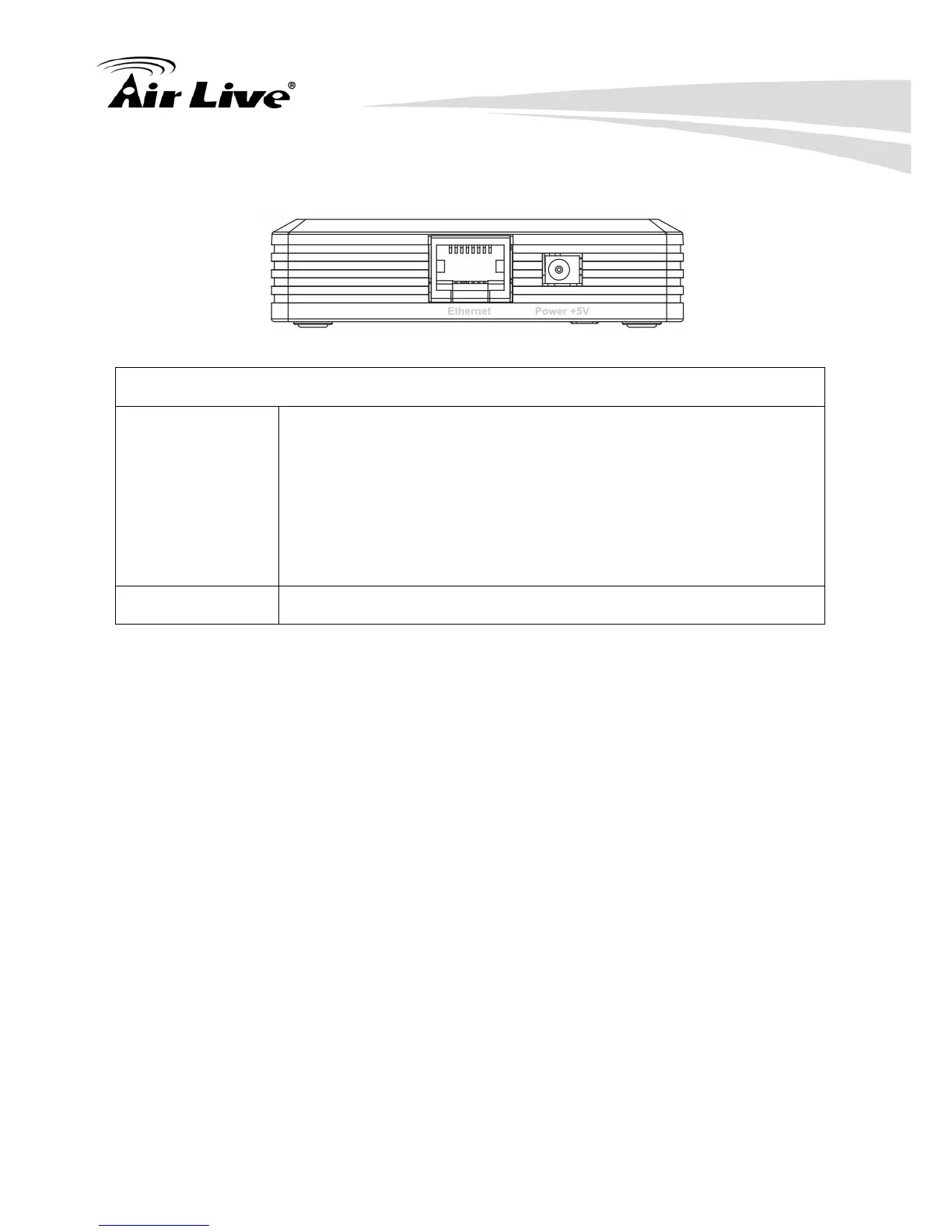
1.4.3 Side Panel
Ethernet and power ports
Ethernet When the mode be set to AP or Client modes, use standard LAN
cables (RJ45 connectors) to connect your PCs to this port. If
required, any port can be connected to another hub. Any LAN port
will automatically function as an "Uplink" port when necessary.
When the mode be set to Router mode, connect the ADSL or Cable
Modem here with RJ45 cable. If your modem came with a cable, use
the supplied cable, otherwise, use a standard LAN cable (RJ45
connectors).
Power (5V) Connect the supplied power adapter here.



 To Next Page