4. Web Configuration
AirLive N.MINI User’s Manual
28
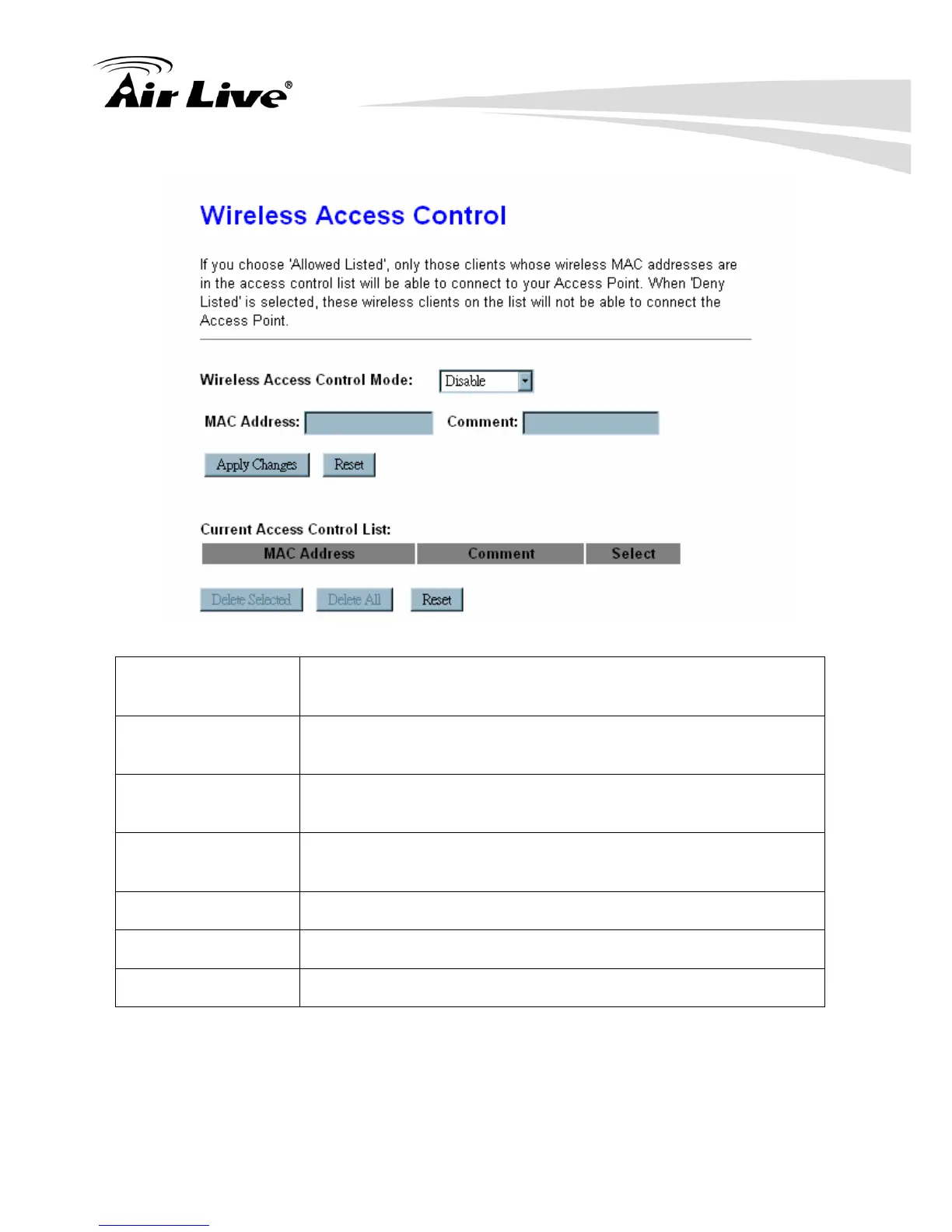
4.2.4 Access Control
Wireless Access
Control Mode
Select Allow Listed or Deny Listed form the pull-down menu to
enable access control function. Default setting is Disabled.
MAC Address Enter the MAC address (12 characters) of a station that is allowed
to access this Wireless Router.
Comment You may enter up to 20 characters as a remark to the previous
MAC address.
Current Access
Control List
This table displays you the station MAC information.
Delete Selected Click Delete Selected to delete items which are selected.
Delete All Click Delete All to delete all the items.
Reset Click Reset to rest.
4.2.5 WDS Settings
Wireless Distribution System uses wireless media to communicate with other APs, like the
Ethernet does. To do this, you must set these APs in the same channel and set MAC
address of other APs which you want to communicate with in the table and then enable the



 To Next Page