1. Introduction
AirLive N.MINI User’s Manual
2
1.2 Features
If you encounter a technical issue that can not be resolved by information on this guide, we
recommend that you visit our comprehensive website support at www.airlive.com. The
tech support FAQ are frequently updated with latest information.
In addition, you might find new firmwares that either increase software functions or provide
bug fixes for N.MINI. You can reach our on-line support center at the following link:
http://www.airlive.com/support/support_2.jsp
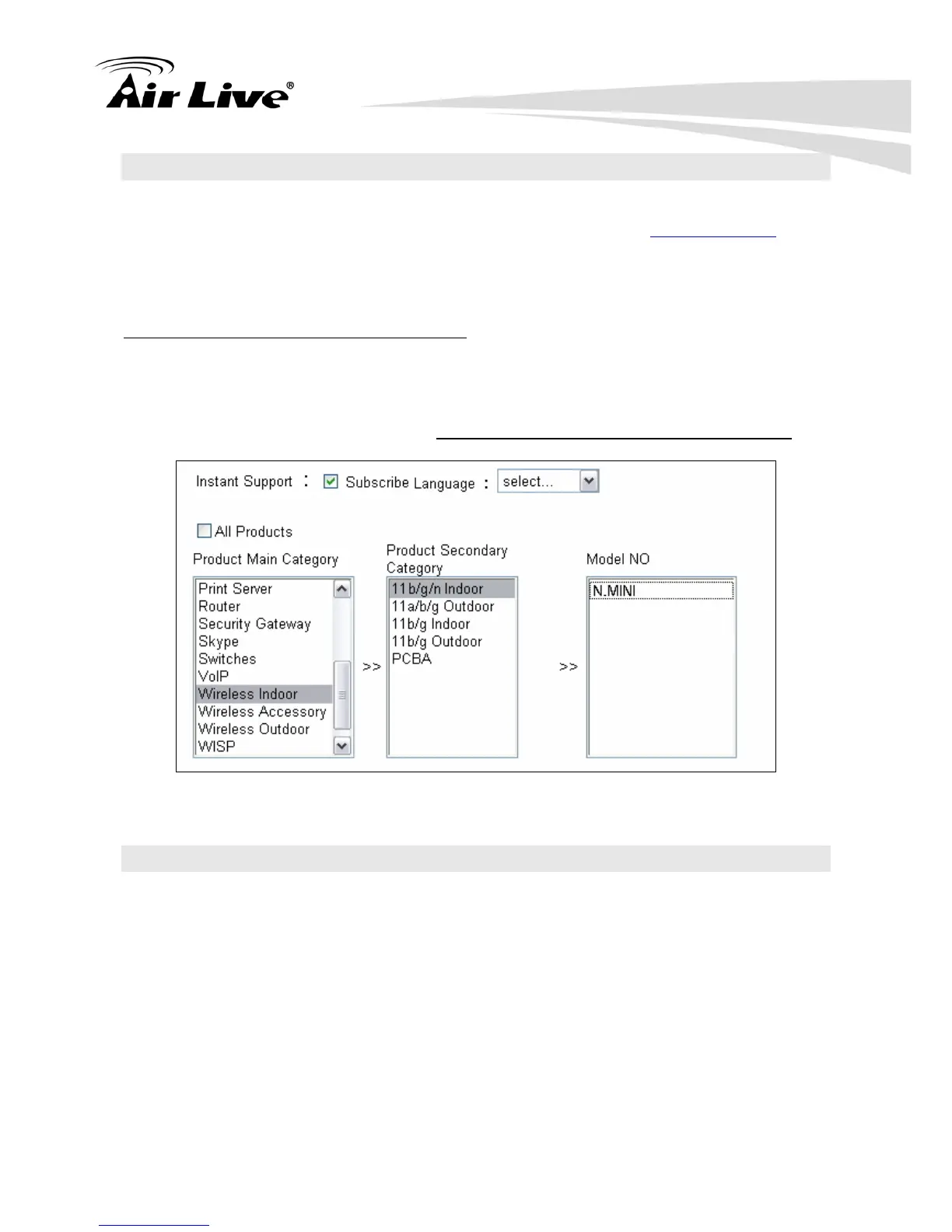
Since 2009, AirLive has added the “Newsletter Instant Support System” on our website.
AirLive Newsletter subscribers receives instant email notifications when there are new
download or tech support FAQ updates for their subscribed airlive models. To become an
AirLive newsletter member, please visit: http://www.airlive.com/member/member_3.jsp
Figure 1.4: AirLive Newsletter Suppport System
1.3 Features
Create temporary, personal, wireless access in your hotel room or a coffee shop hotspot
High security with build-in: WEP 64/128, WPA, WPA2 mixed, 802.1x and 802.11i
Support AP,Router and Client Mode
Wireless Quality of Service (QoS) - 802.11e,WMM
Support WPS (Push button/ Pin code)
Slide switch to change mode (Router/AP(Bridge + Repeater)/Client) easily



 To Next Page