4. Web Configuration
AirLive N.MINI User’s Manual
36
the Start PIN button to make a WPS connection with client. Then,
the wireless router will connect to client within 2 minutes and get
IP address.
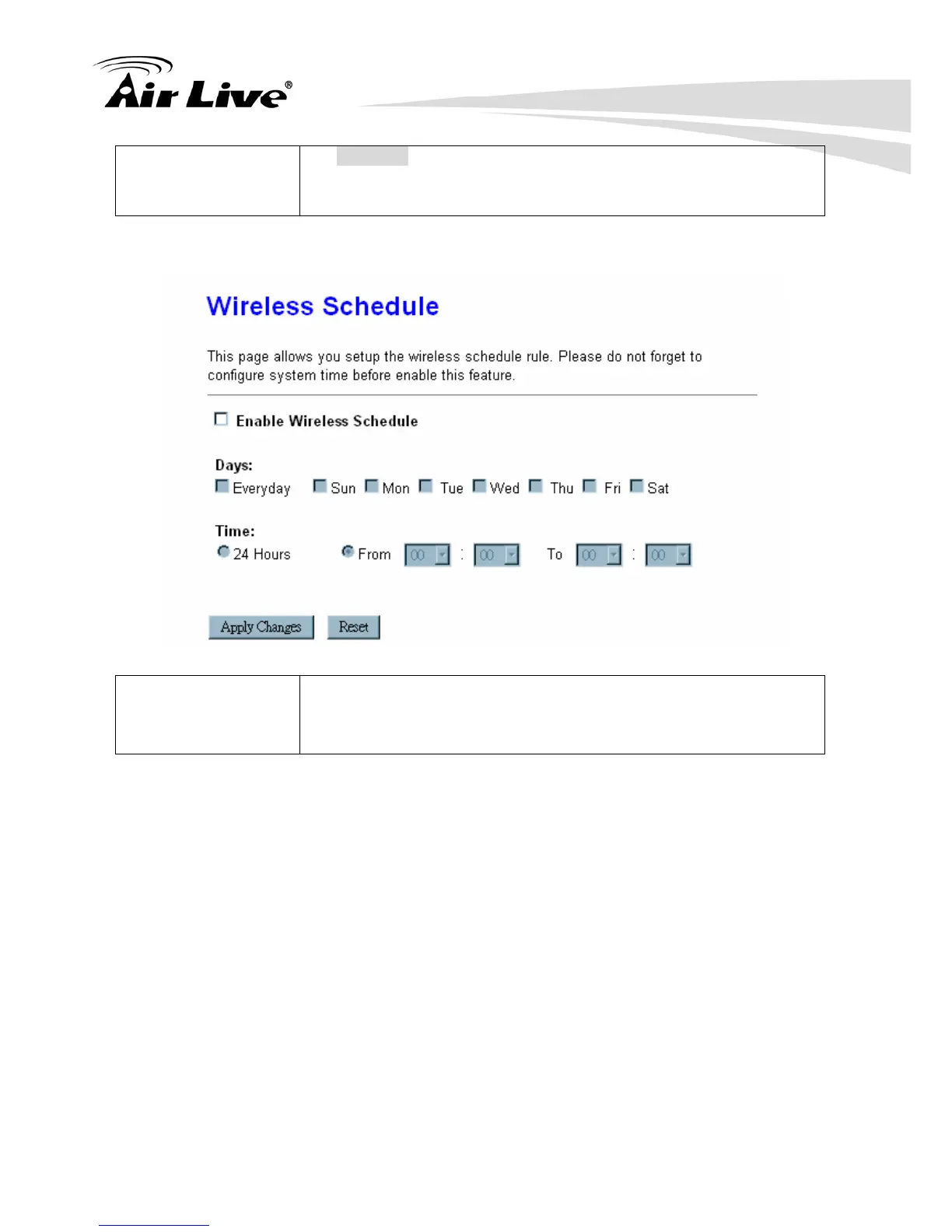
4.2.8 Schedule
Enable Wireless
Schedule
Check the box to enable the schedule function. Set up the time to
schedule the wireless access rule. Select the day and time you
want to enable the wireless function.



 To Next Page