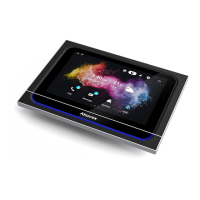
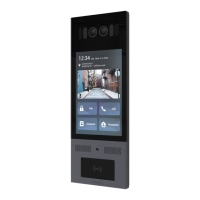
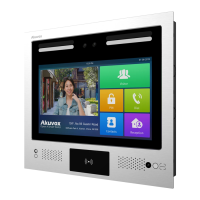
X933 Administrator Guide
AKUVOX SMART INTERCOM www.akuvox.com
Parameter set-up:
Brightness: press on the brightness setting and move the yellow dots to
adjust the screen brightness. The default brightness is “145”.
Sleep Time: set the timing for the device screen to be turned off. You can
select the timing among eight options: 15 seconds
,
30 seconds, 1 minute,
2 minutes, 5 minutes, 10 minutes, 30 minutes, 1 hour. For example, if you
set it as 1 minute then the screen will be turned off if there is no
operation on the device for 1 minute. However, if you turn on the function,
then the device screen will not be turned off until screen saver display
reaches its configured time duration.
Screen Saver Lock Time: set the time duration for the screen saver
among 4 options: 30 minutes, 1 hour, 2 hours, Never. for example , if
select Never then the screen saver will stay permanently on.
Screen Saver: tick the square box to enable the screen saver function.
Screen Saver Type: select screen saver type among seven options: SDMC


 To Next Page
 Loading...