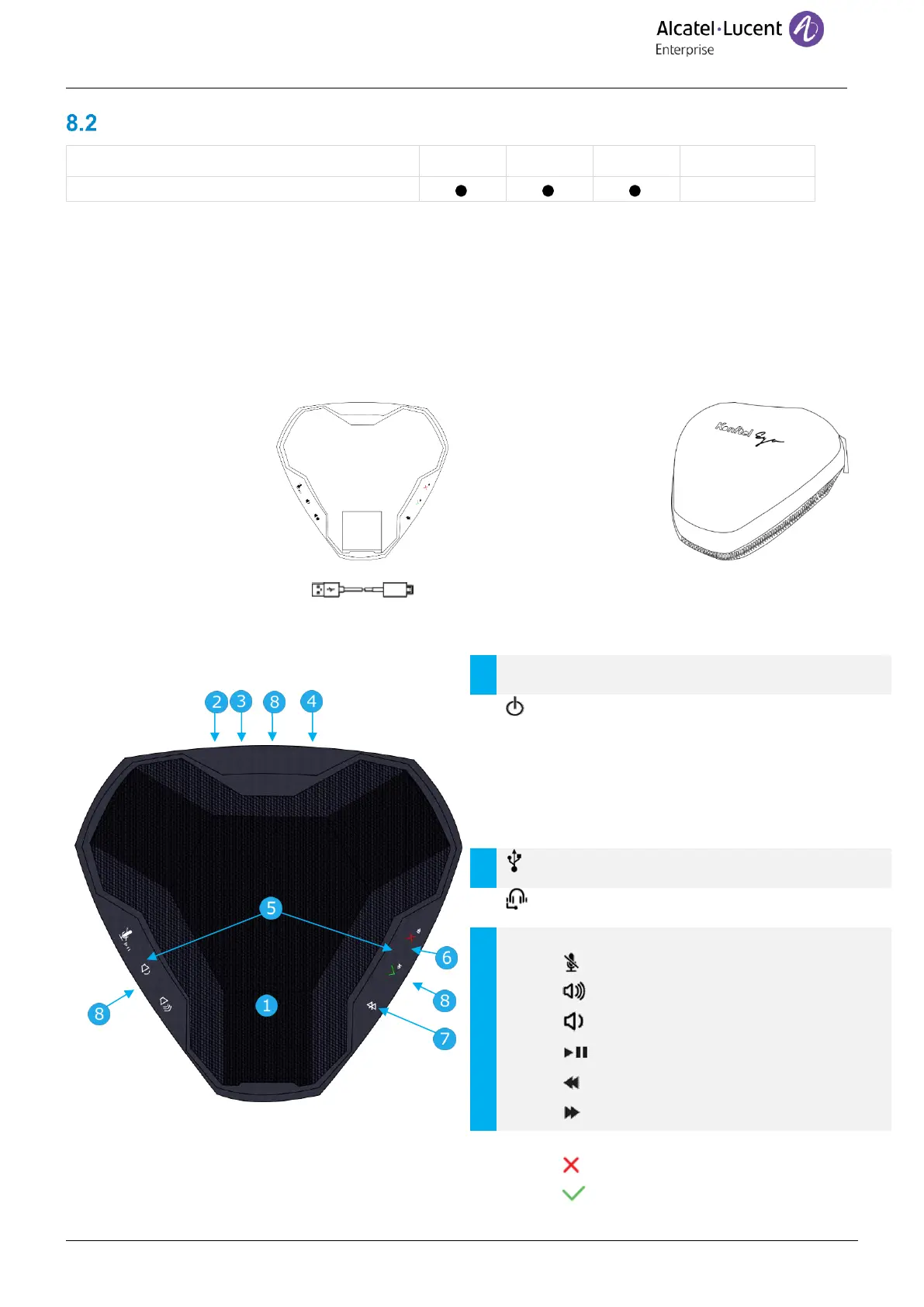
The Alcatel-Lucent 8105s EGO is a compact and portable conference module. It provides OmniSound® audio
technology for very high-quality HD audio conversations. In addition, the 8105s EGO comes with a 1000m Ah Li-
ion battery for up to 12 hours of meetings and calls. The 8105s EGO can be connected to your deskphone, mobile
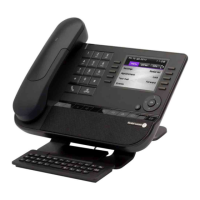
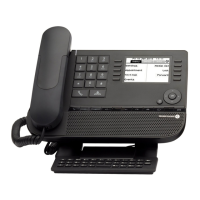
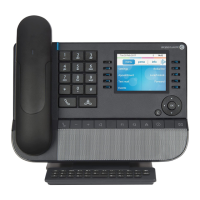
phone, tablet and computer. This section describes how to use the conference module with your deskphone. To
use the 8105s EGO with your computer, mobile phone, or tablet, or for more information about the device, see
the complete user manual of the device (8AL90358xxAA).
8.2.1 Box content
Off/on button.
• Push the button to start.
• Hold down the button for five seconds to
manually switch off.
• The 8105s EGO switches off automatically
after 30 minutes.










 To Next Page