Accessories
8AL90399ENAD ed01 128/141
5.6.8 Page management
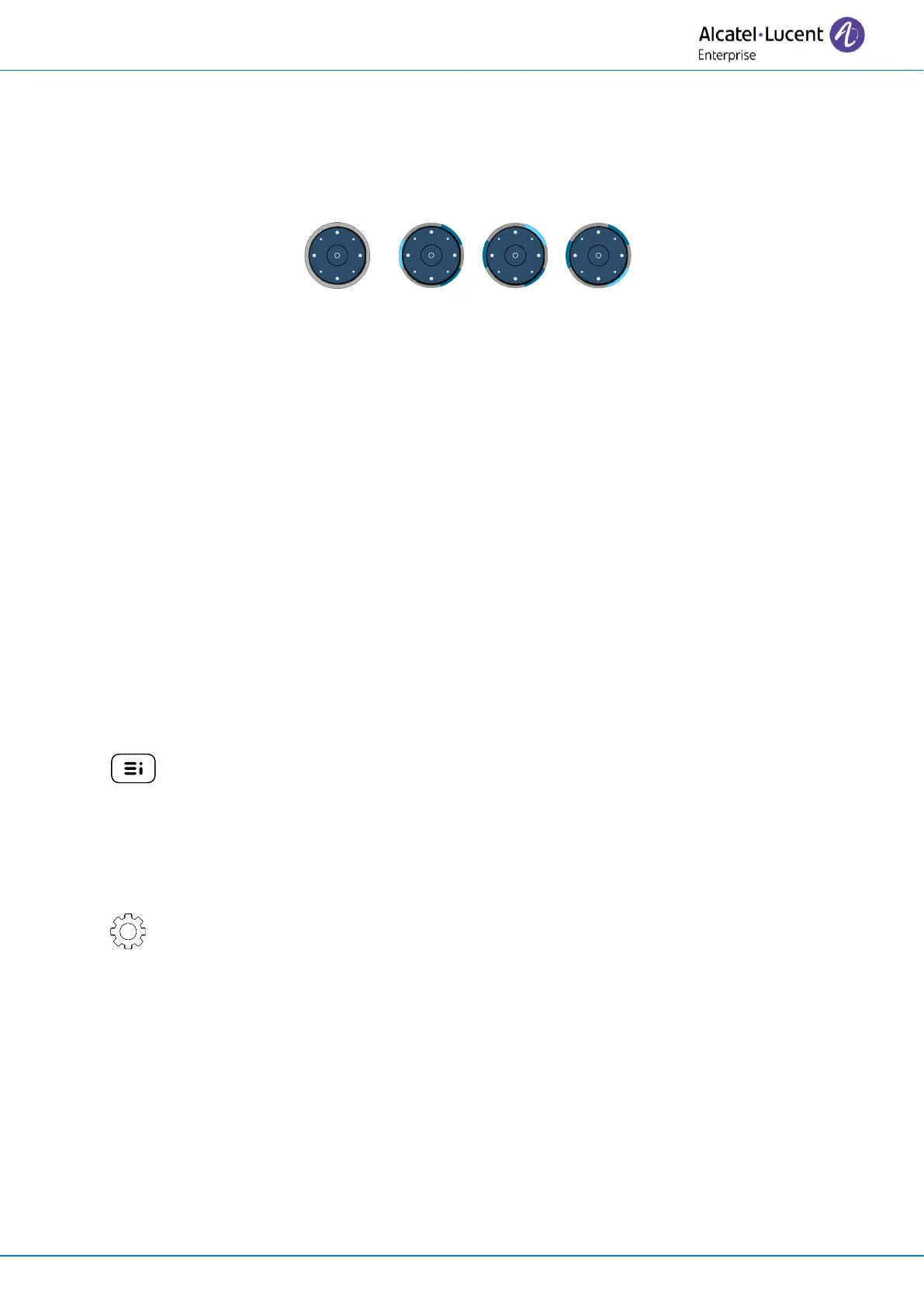
The Smart Pad ring on the add-on module is divided into segments according to the number of
pages and gives information about events.
• Off: Only one page is configured on the add-on module, or the screensaver/night mode is
activated.
• A segment is lit in blue: the selected page is displayed on the add-on module.
• A segment is dimly lit in blue: the page corresponding to the segment is not displayed on the
add-on module and there is no event on this page. Touch the segment to open the page.
• A segment is flashing blue (standard or fast): the page corresponding to the segment is not
displayed on the add-on module and an LED is flashing blue on this page. For example, a
supervised contact programmed on this page receives an incoming call. Touch the segment
to open the page.
• A segment is slowly flashing blue (breathing): The page corresponding to the segment is not
displayed on the add-on module and an LED is lit in blue on this page. For example, a
supervised contact programmed on this page is in conversation. Touch the segment to open
the page.
5.6.9 Software version
The software version of the connected add-on modules (up to three) can be viewed on the phone by
following this path:
•
→
About
→
Add-on
The model and software version are displayed for each connected add-on modules.
5.6.10 Legal notice
Display regulatory information about your add-on module.
• Select the settings icon displayed at the bottom left of the screen during the boot (after
a few seconds).
• Next: go to next page.
• Exit: resume boot up.














 To Next Page