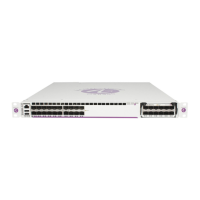
Rack-Mounting Chassis and Power Supplies
page 3-40 OmniSwitch 6900 Hardware Users Guide June 2020
6 Once the holes are aligned, the second person should insert a screw through the bottom hole on each
flange. Tighten both screws until they are secure.
7 Once the flanges are aligned, install the remaining screws. Be sure that all screws are securely
tightened.


 To Next Page
 Loading...