5
6
30Ver. 1.01
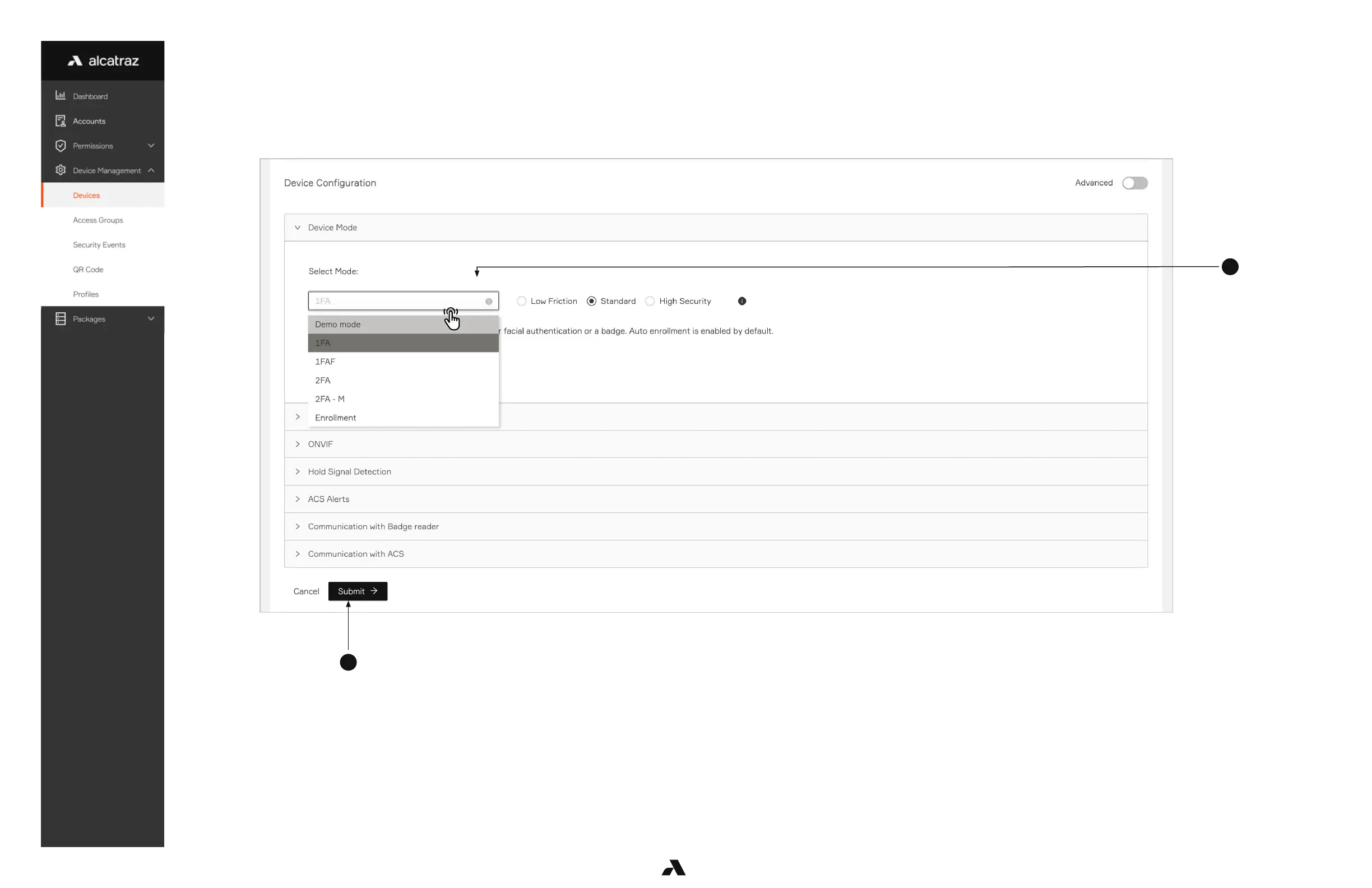
4. Scroll down the page to Device Configuration and expand the Device Mode section.
5. Select the operational mode for the Rock.
6. Click Submit when done.
Low Friction, Standard, and High Security will be defaulted according to the mode but can be change.
The various levels will determine if the Rock will make more/fewer checks, more/less friction and tolerance of light levels.
The Rock will require more time to authenticate moving from low-friction to high security.



 To Next Page