33Ver. 1.01
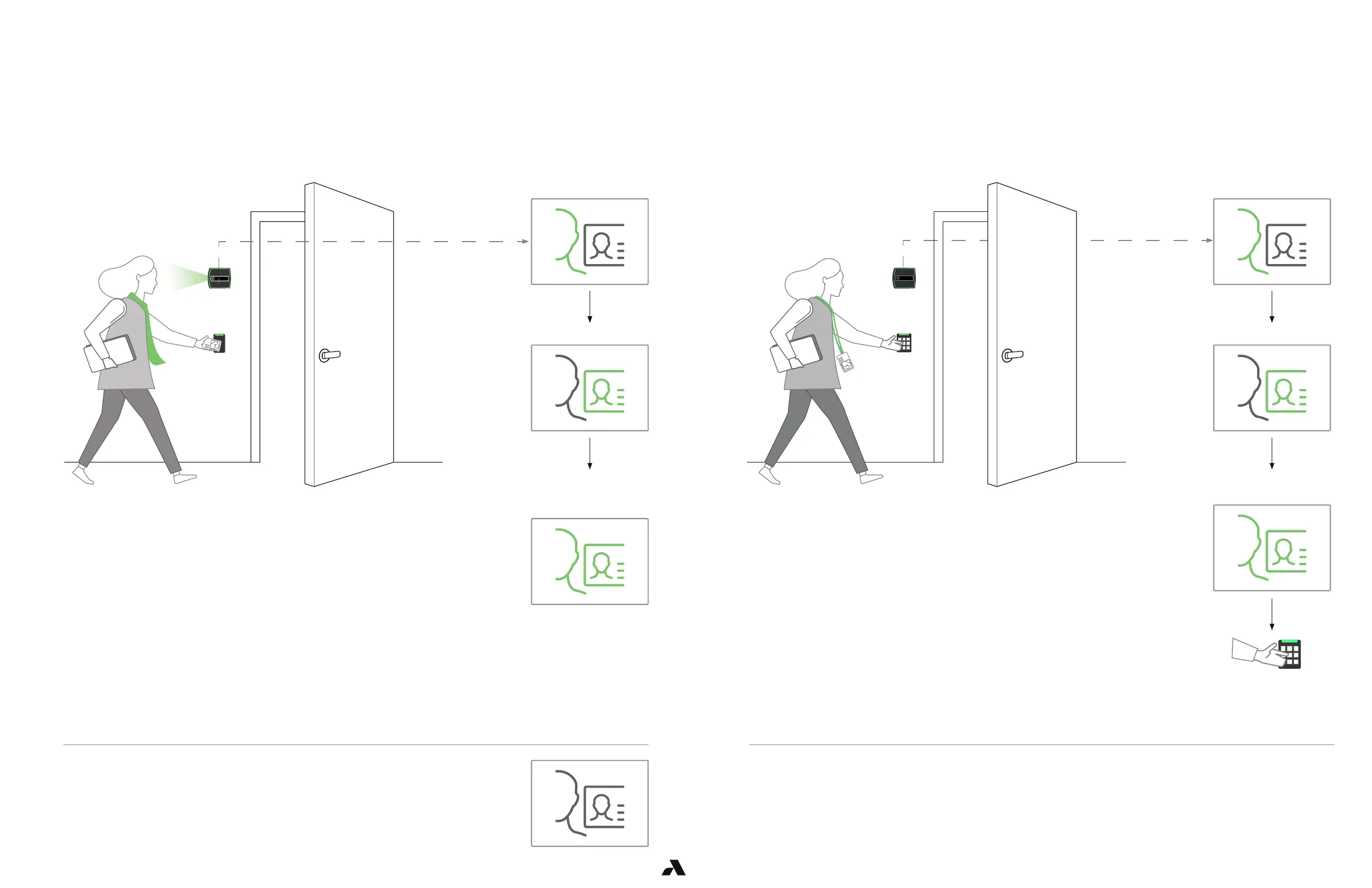
6.1.1.5 — Operating in 3FA
Follow 2FA requirements for presenting face and badge credentials but you will also enter a PIN.
ACS must be configured to accept Badge + PIN.
Select Mode = 2FA
Badge swiped successfully
Face is authenticated
Your profile and badge
match
Enter PIN. Your badge
and PIN are sent to ACS
for authorization.
6.1.1.6 — Mode Setting – 2FA
This Rock is in 2FA mode or Two Factor Authentication.
This mode requires that you present you face and badge.
Seeing this on the Rock’s display?
You will need to enroll at the enrollment station.
Please visit it and complete your enrollment.
Your ACS must be configured to accept badge and PIN.
You have completed enrollment at an enrollment station. As you approach the door and badge in, the Rock
captures your face and will verify if your face and your badge match.
Badge swiped successfully
Face is authenticated
Your profile and badge
match. Your badge is sent
to ACS for authorization.



 To Next Page