31Ver. 1.01
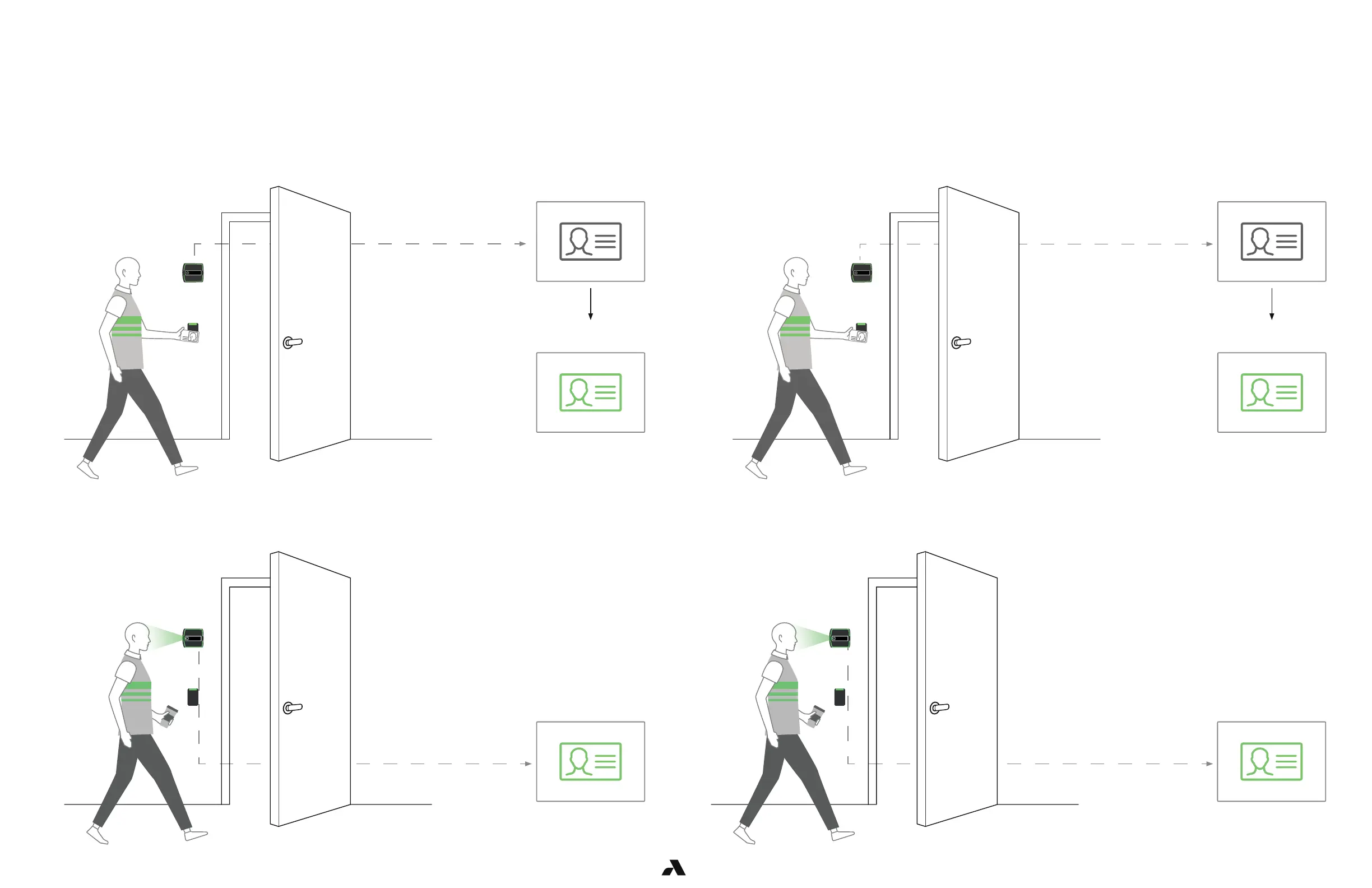
Swipe your badge Swipe your badge
Badge sent to ACS for
authorization
Badge sent to ACS for
authorization
You have been
authenticated. Your
badge is sent to ACS for
authorization.
You have been
authenticated. Your
badge is sent to ACS for
authorization.
Badge-in at least 2 times. It can be consecutive badge-ins.
You have completed auto-enrollment. No badge is required, simply look at the Rock as you approach the
door.
You have completed auto-enrollment. No badge is required, simply look at the Rock as you approach
the door.
6.1.1.1 — Mode Setting – Demo
In 1FA, auto-enrollment is completed by swiping a badge at least 4-6 times over the period of a day or two.
After that, your face is enrolled.
Auto-Enrollment
Auto-Enrollment
Single Factor Authentication
The Rock is shipped in Demo mode. In Demo mode, auto-enrollment is completed by swiping a badge
twice with a few seconds in between. On the third entry, you will not be required to present your badge as
the Rock will authenticate by facial credential.
6.1.1.2 — Mode Setting – 1FA



 To Next Page