58Ver. 1.01
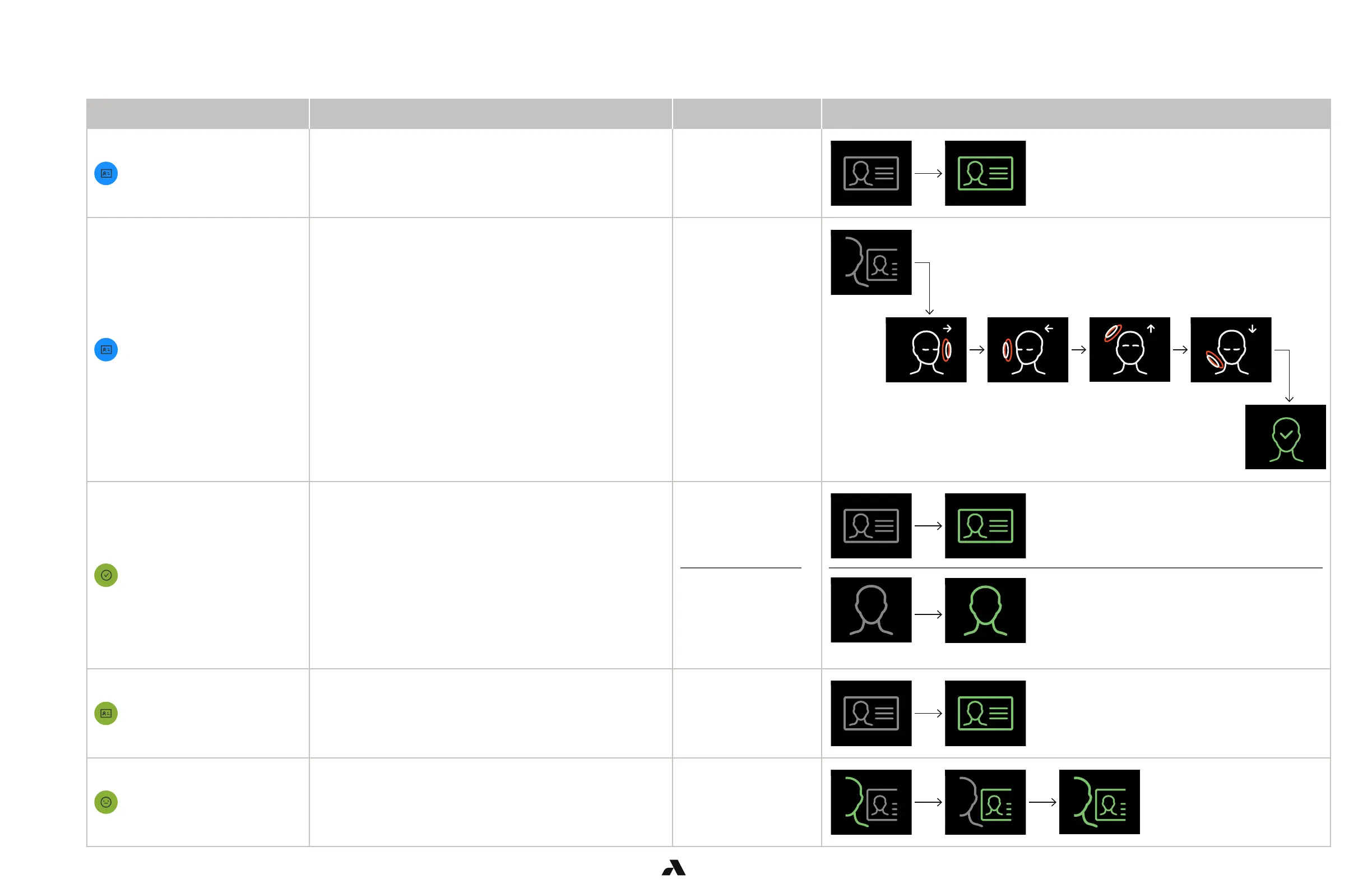
The table summarizes the most common security events displayed in the Alcatraz AI Admin Portal and the sequence of icons that can be observed on the Rock’s display.
Event Event Trigger Rock mode
Display Icons
1FA Enrollment
A user swiped a badge for auto-enrollment.
4-6 events will be displayed before the user is fully enrolled.
1FA with auto-enrollment
Full Enrollment
A user manually enrolled at an enrollment station. Enrollment
1FA Face Access Granted
A user has been granted access in 1FA.
1FA
1FA face-only
*grey icons will display very briefly
1FA Badge Access Granted
A user swiped their badge for entry. 1FA
2FA Access Granted
A has been granted access with – face and badge match. 2FA
6.3.2 — Security Events Summary Table



 To Next Page