1
3
2
70Ver. 1.01
In some organizations, users can have multiple badges belonging to different Access Groups. Within the
user profile, there is flexibility to manage badge number(s) associated with different Access Groups.
■ Badge 12345 => Security Team
■ Badge 67890 => Employees
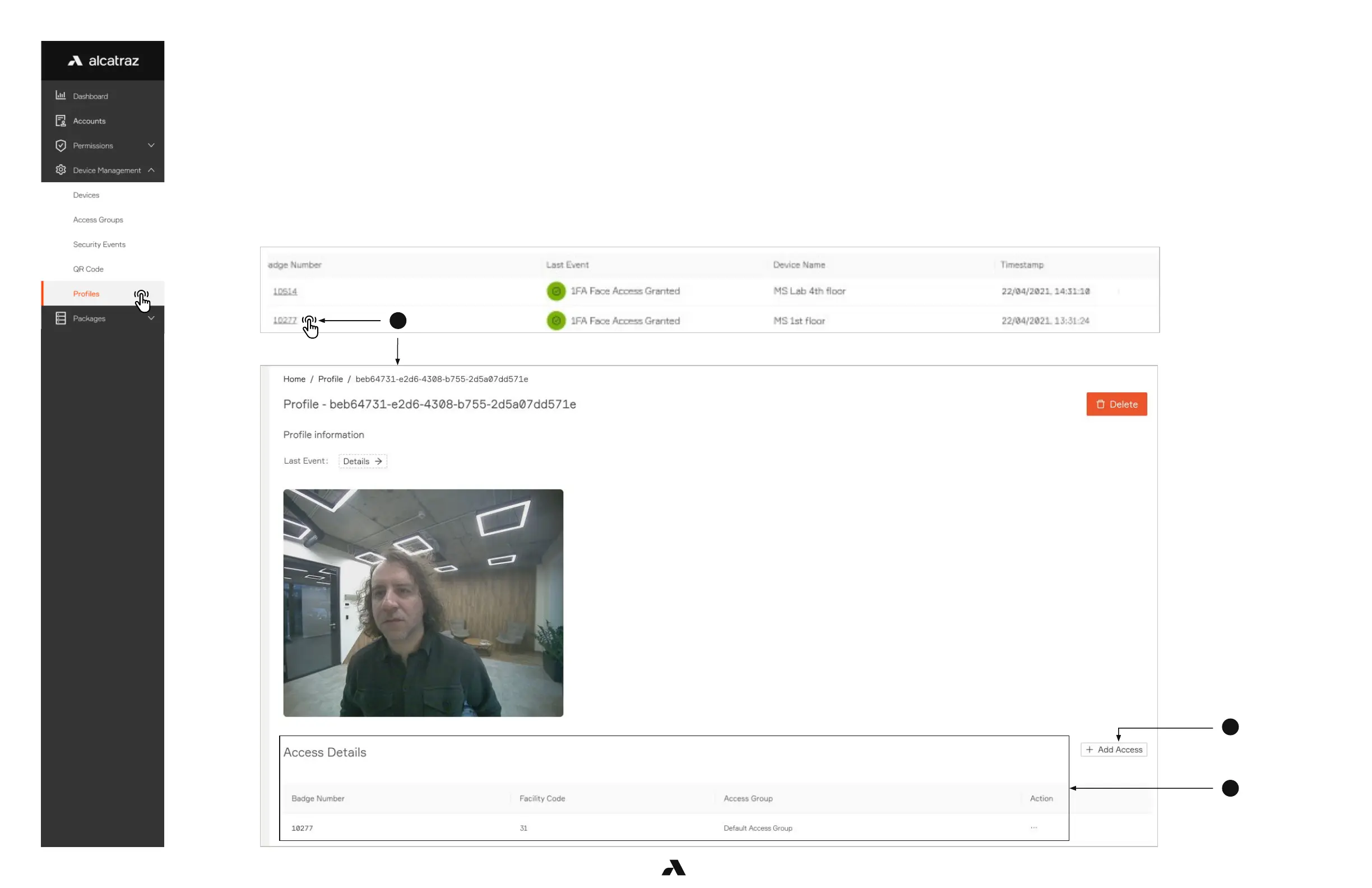
Add an Access Group
1. Select the Badge Number to open the profile record.
2. Scroll down to the Access Details section to see the access groups the user belongs to.
3. Select Add Access
6.5.4 — Managing Access



 To Next Page