Working with AlphaSmart Manager 111
Defining settings
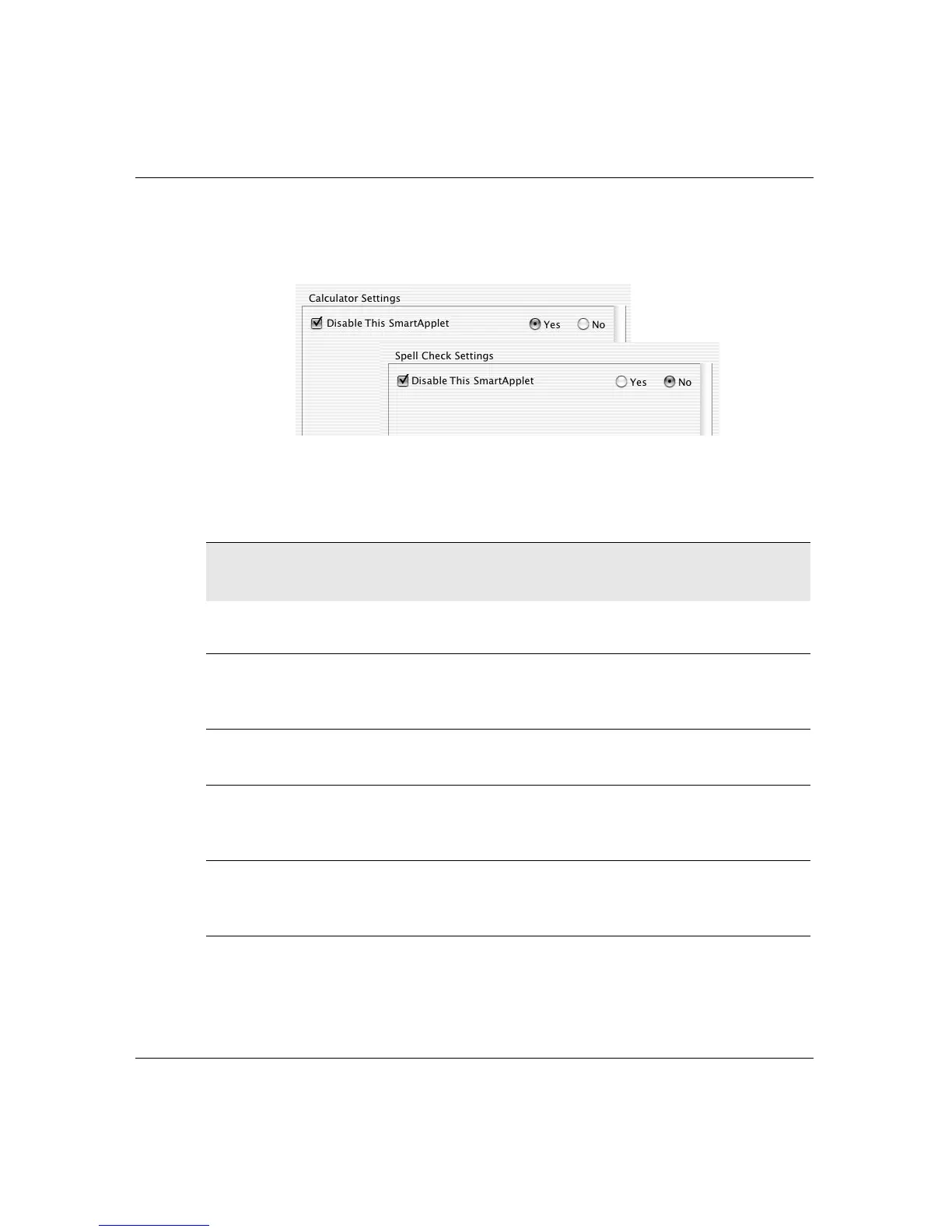
disable Calculator if you want to prevent access to electronic
calculations. You can disable multiple SmartApplets.
AlphaWord Plus settings
AlphaWord has its own settings that you can control through
AlphaSmart Manager. These settings are listed in the following table.
This setting Does this
Additional
information
Disable This
SmartApplet
If off, prevents the user from
accessing AlphaWord Plus
See page 110
Passwords
enabled
Enables the use of individual
file passwords in AlphaWord
Plus
See page 78
Set File
Passwords
Specifies a common password
for all AlphaWord Plus files
See page 117
Show Marks Sets whether to display arrows
where there are tabs and
carriage returns
See page 68
Maximum File
Size
(in characters)
Set by default to 51,200
characters (approximately 25
pages)
See page 112



 To Next Page