Product description
12 Amatron+ BAG0063.1 03.10
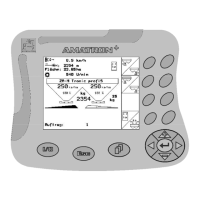
4.1 Keys and function fields
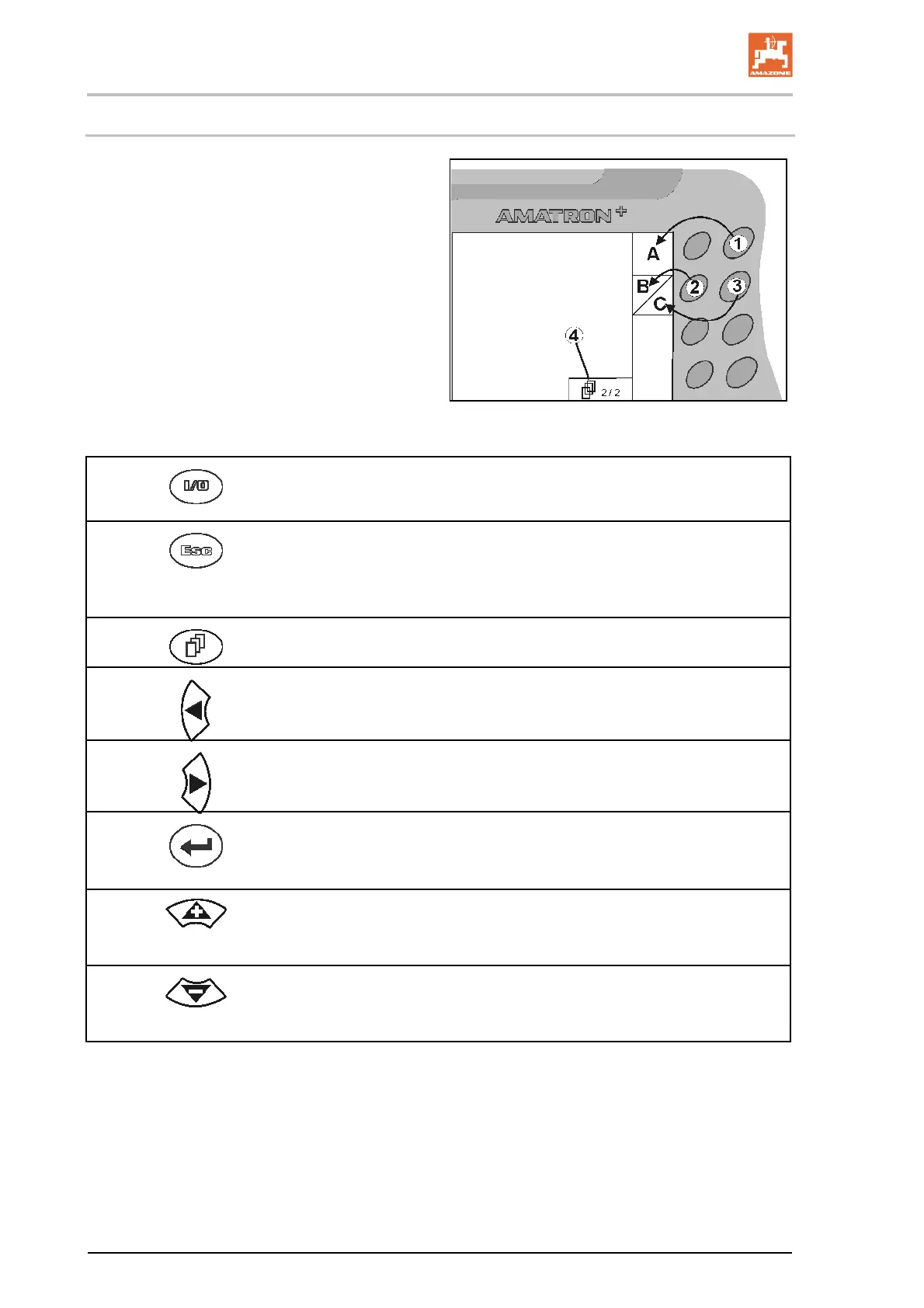
The functions shown on the right of the display in
a function field (box or diagonally divided box)
are controlled via the two rows of keys to the
right of the display.
If boxes appear on the display, only the
right key (Fig. 7/1) is assigned to the func-
tion field (Fig. 7/A).
If the fields are divided diagonally:
the left k
ey (Fig. 7
2) is assigned to the
top-left function field (Fig. 7/B).
the right key (Fig. 7/3) is assign
ed to
the lower-right function field (Fig. 7/C).
Fig. 7
On / Off
(Always switch off the AMATRON
+
when driving on public roads).
Return to last menu
Switch between work menu - main menu
Cancel entry
To work menu (hold down key at least 1 second)
Scroll to other menu pages
(only possible if (Fig. 7/4) appears in display)
Move cursor left in display
Move cursor right in display
Take over selected numbers and letters
Confirm critical alarm
100% quantity in work menu
Move cursor up in display
Increase desired quantity in stages while working (e.g. +10%)
(adjusting stages, see page 19)
Move cursor down in display
Reduce desired quantity in stages while working (e.g. -10%)
(adjusting stages, see page 19).


 To Next Page