Commissioning
30 Amatron+ BAG0063.1 03.10
5.5.2 Conduct fertiliser calibration run (offline calibration)
Only for ZA-M Profis:
Automatic fertiliser calibration occurs at the start
of sowing during spreading, with a minimum
200 kg fertiliser being dispensed.
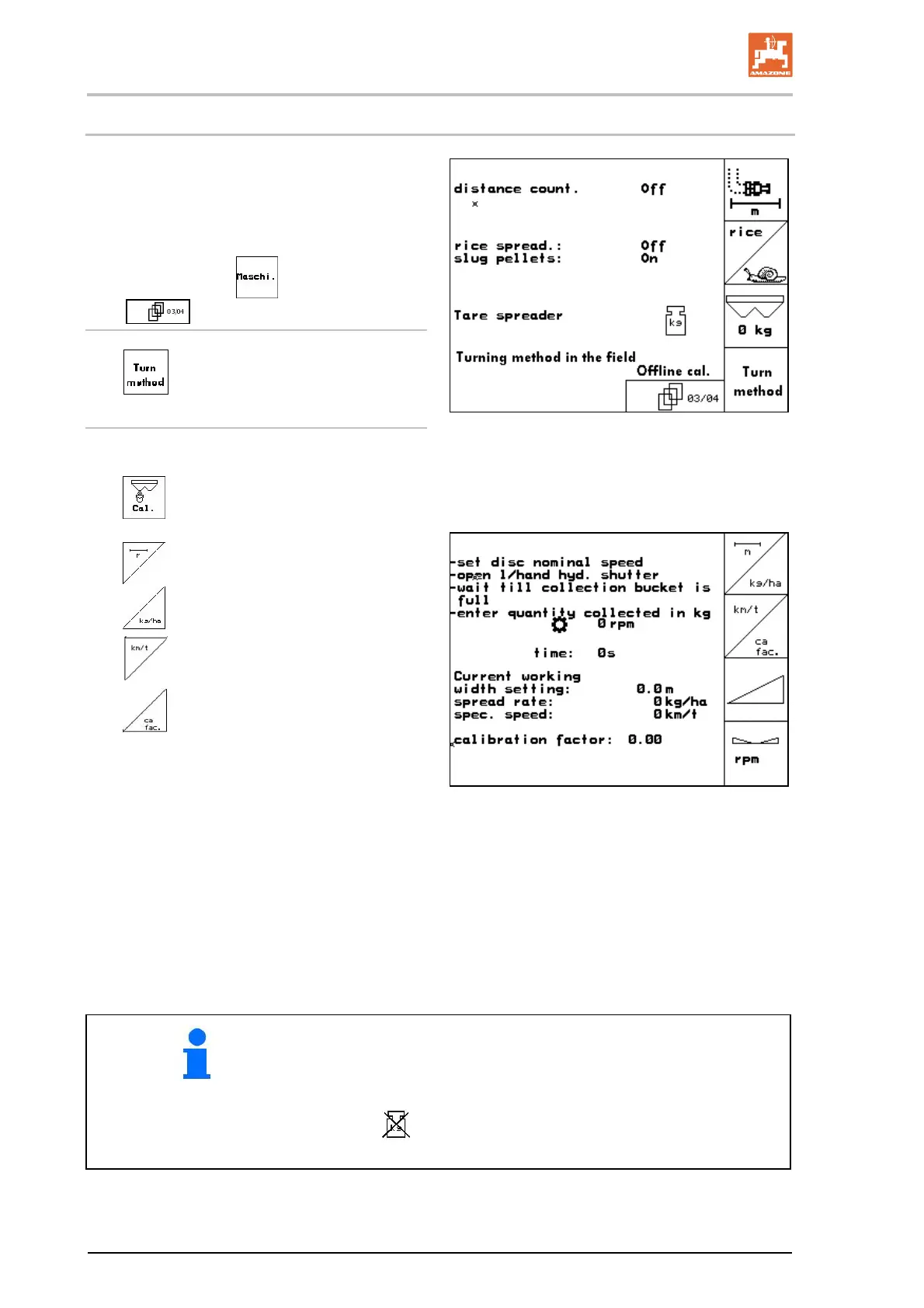
Machine data menu
,
page
three
:
Offline calibration mode.
Offline calibration mode activated:
Before automatic fertiliser calibration:
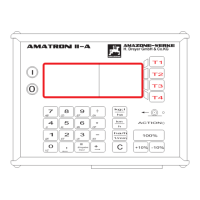
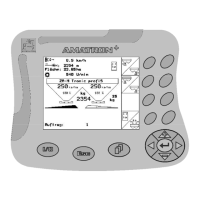
Select the fertiliser calibration menu.
Fig. 31
1.
Check/enter the working width.
2.
Check/enter the spreading quantity.
3.
Check/enter the intended speed.
4.
Enter calibration factor for determin-
ing exact factor, e.g.
1.00.
To enter the calibration factor:
take the calibration factor (quantity fac-
tor) from the settings chart.
values based on experience.
or make the calibration in advance with
the machine at rest (page 28).
Fig. 32
The tractor and spreader must be standing level at the start and
end of the calibration process.
The scales must be in their neutral position for the determination
of the calibration factor to be started and ended.
If the
symbol appears in the display, the spreader is not in
its neutral position.


 To Next Page