Product description
Amatron+ BAG0063.1 03.10 13
4.1.1 Shift key
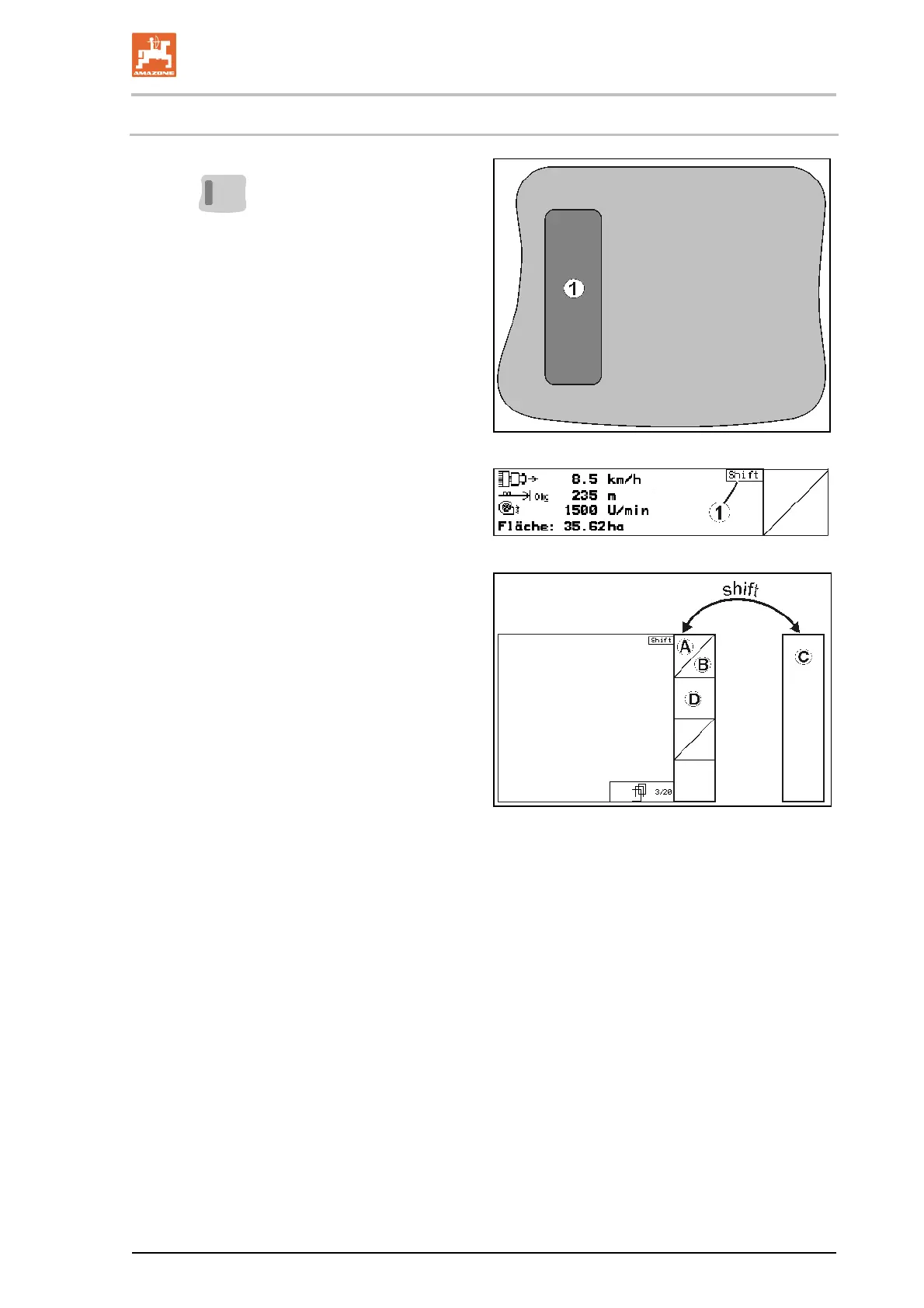
The shift key is located on the back of the
unit
(Fig. 8/1).
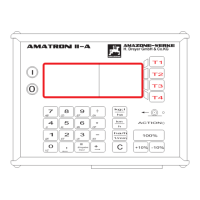
If the Shift key is active, this is indicated on
the display (Fig. 9/1).
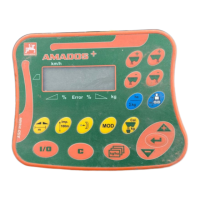
You press the Shift key to
display more
function fields (Fig. 10); the assignment of
the function keys changes
accordingly.
Fig. 8
Fig. 9
Fig. 10


 To Next Page