Malfunction
Amatron+ BAG0063.1 03.10 71
Secure the detached pushrod (Fig. 82/2) against swivelling into the
working area of the hydraulic cylinder.
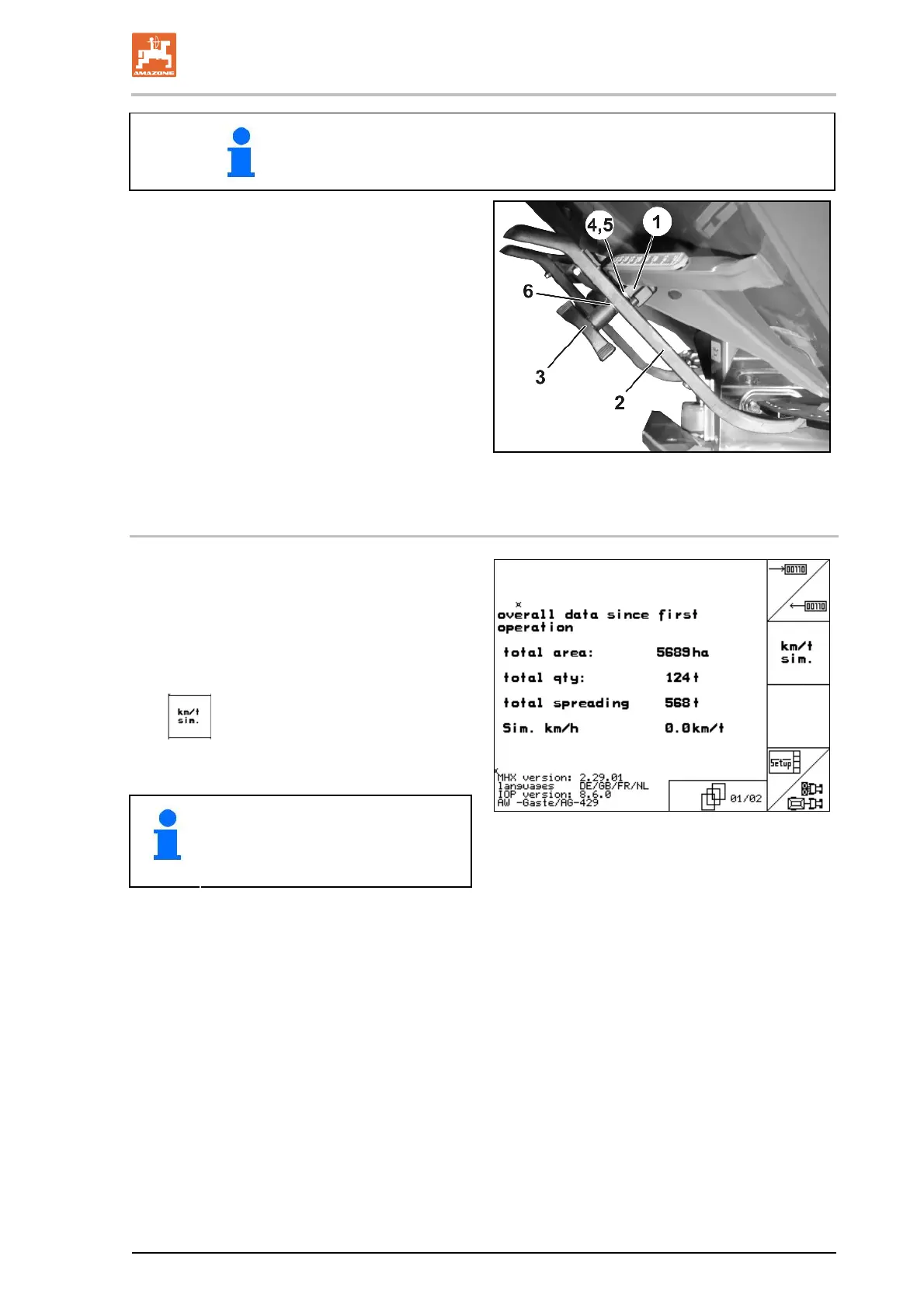
6. Set up the clamping device (Fig. 83/1) for
setting levers (Fig. 83/2) as follows:
6.1 Unscrew the wing n
ut (Fig. 83/3).
6.2
Remove the
scre
w and
reposition the
two washers (Fig. 83/4) from the back
(Fig. 83/5) to the front (Fig. 83/6).
Fig. 83
9.4 Distance sensor (pulses/100 m failure)
Entering a simulated speed in the Service Set-up
menu allows you to continue spreading if the
sensor fails.
To do so:
1. Remove the signal cable from the tractor
basic equipment.
2.
Enter a simulated speed.
3. Maintain the simulated speed as you con-
tinue spreading.
As soon as pulses are registered by
the distance sensor, the computer
switches to the actual speed of the
distance sensor.
Fig. 84



 To Next Page