Commissioning
28 Amatron+ BAG0063.1 03.10
5.5.1 Determining fertiliser calibration factor at standstill
1. Add a sufficient quantity of fertiliser to the
hopper.
2. Remove the left spreading disc.
3. Fit collection bucket under the left outlet
(refer to ZA-M operating manual).
4.
Check/enter the working width
.
5.
Check/enter the spreading quantity.
6.
Check/enter the intended speed
.
7.
Enter calibration factor for determin-
ing exact factor, e.g. 1.00.
The calibration can be
the quantity factor in the settings chart
values based on experience.
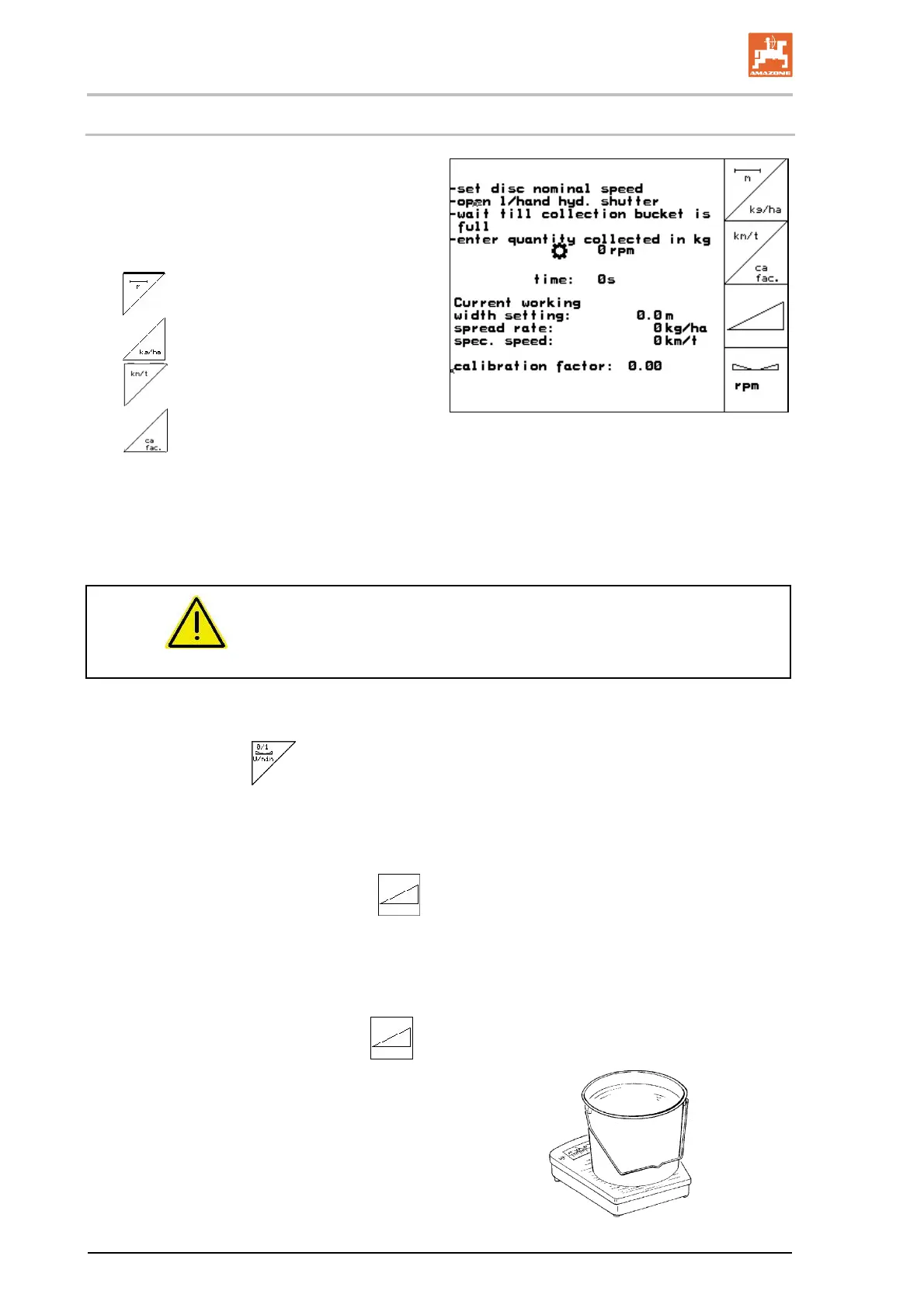
Fig. 29
WARNING
Risk of injury from right rotating spreading disc
Keep people away from the discs.
8. Set the power take-off on the tractor as per
the settings chart.
ZA-M Hydro:
switch on
spreader discs.
9. Open the left slide gate.
Operate tractor controller 1.
ZA-M Hydro/Comfort:
.
10. Close the left slide gate as soon as the
collection bucket is full.
Operate tractor controller 1.
ZA-M Hydro/Comfort:
.
11. Switch off spreading disc drive.
Switch off power take-off.
ZA-M Hydro: spreader discs
switch off automatically.
12. Weigh the collected fertiliser
(allow for the weight of the collection
bucket).



 To Next Page