AMDV960H4 User Manual
www.amcrest.com 16
Image Settings: Gives you access to change camera image, including brightness, contrast,
saturation, and hue
Mask: When checked, this allows you to create, place, and shape a “privacy mask” which
obscures part of the image on the associated channel.
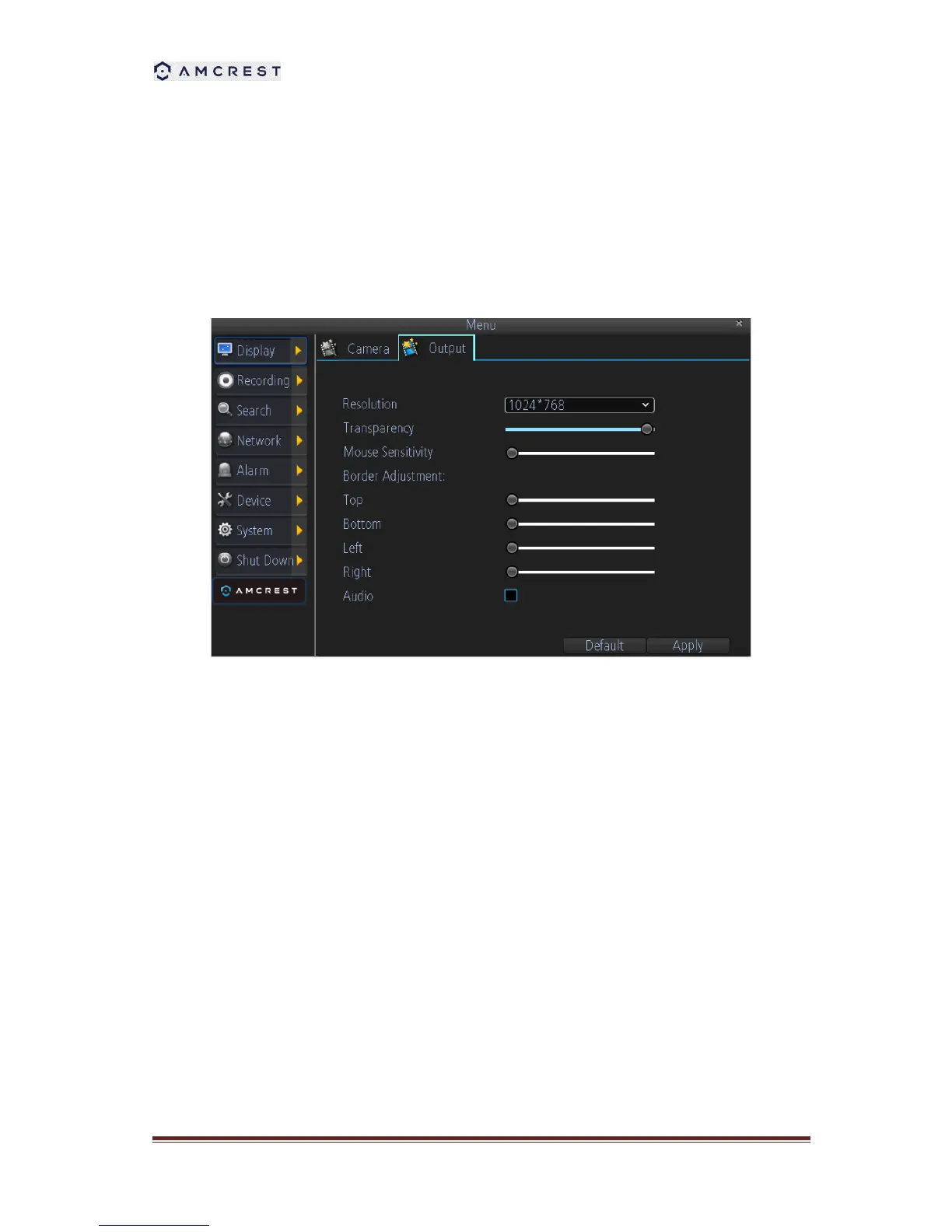
5.2. Displays Output Settings
Live Preview allows you to customize your display to your own needs.
The settings available in this menu include:
Display resolution
Transparency: To adjust the menu transparency.
Mouse Sensitivity
Border Adjustment: To adjust the border of video output.
Audio: Enables/disable audio output for the selected video output.



 To Next Page