AMDV960H4 User Manual
www.amcrest.com 17
6 RECORD SETTINGS
There are multiple ways to setup your DVR for recording. They include setting up a recording
schedule, triggering recording by motion detection, and manually starting the recording.
6.1. Initializing Record Settings
Before setting your DVR up for recording, certain settings should be configured first. The steps to
configuring these settings are:
1. You should initialize the HDD through HDD management before proceeding.
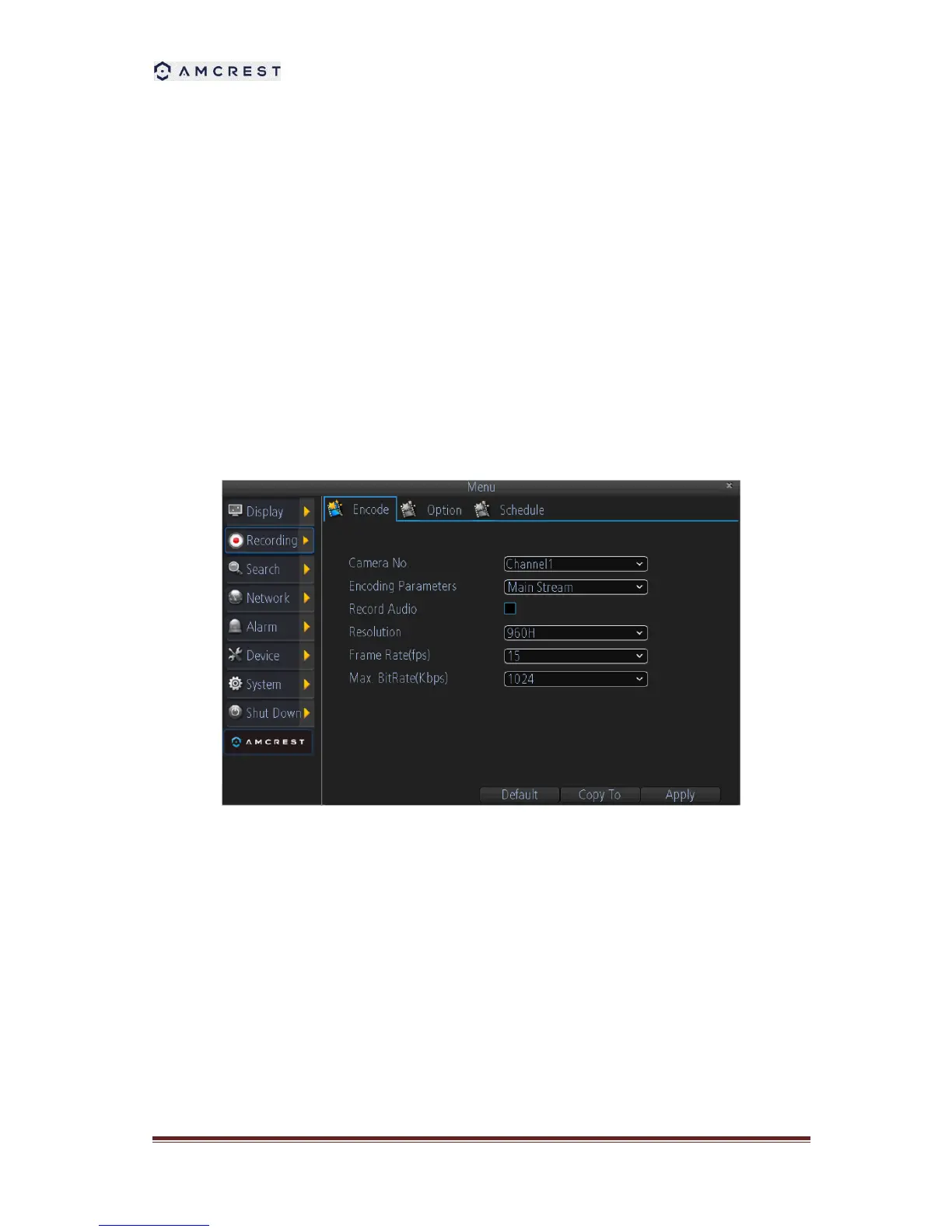
2. Navigate to Main Menu > Recording. You will be taken to the Recording Settings menu.
3. Select the camera you would to configure the settings for.
4. Configure settings for:
Encoding Parameters: Select main stream or sub stream.
Record Audio: Select to record the audio of the camera.
Resolution.
Frame Rate: Select recordings frame rate.
BitRate Type: Select either Variable or Invariable bit rate.



 To Next Page