AMDV960H4 User Manual
www.amcrest.com 26
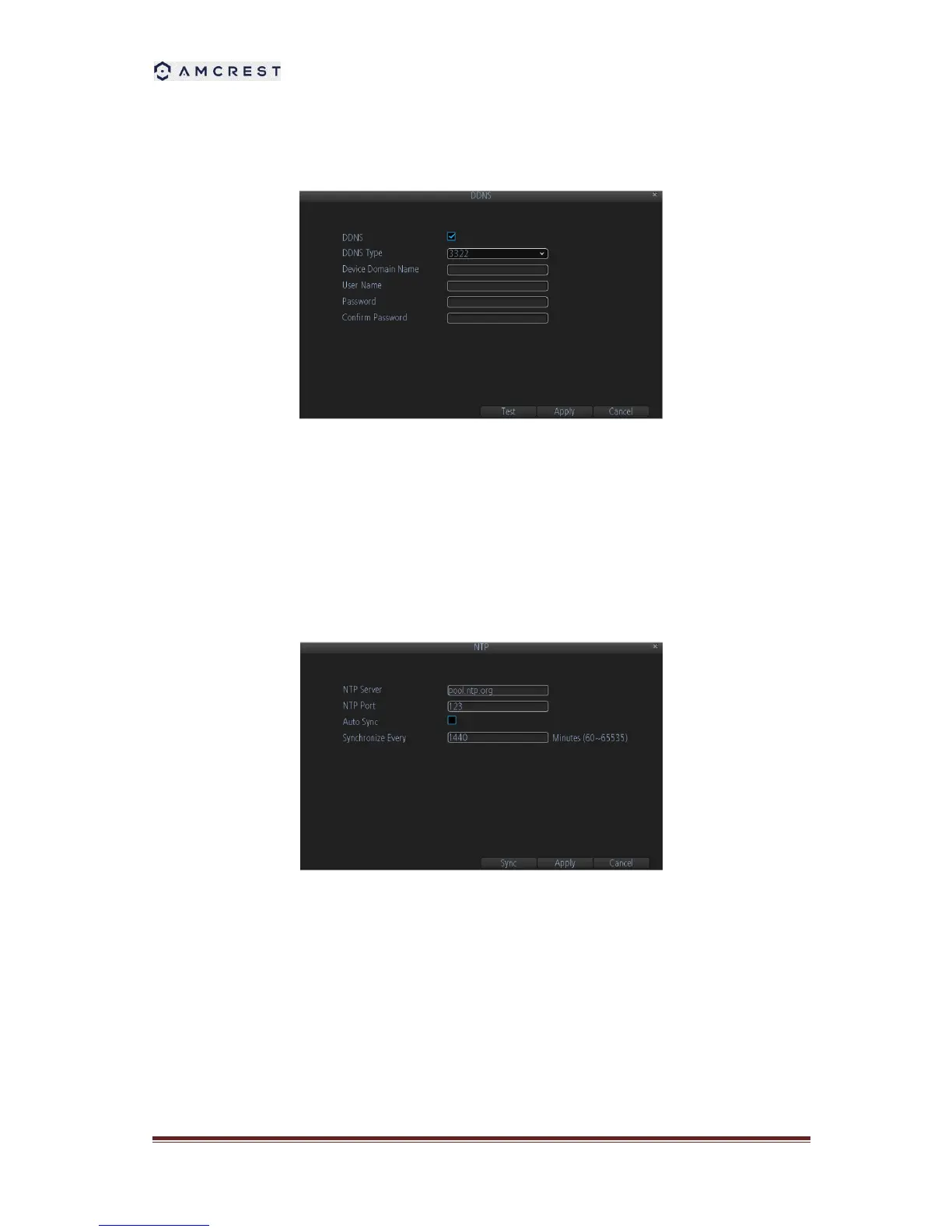
8.2.1 DDNS
To setup DDNS:
1. Check the DDNS checkbox to enable feature.
2. Select DDNS Type.
3. Input the user name and password
8.2.2 NTP
A Network Time Protocol (NTP) Server may also be setup on your DVR to keep the date and
time current and accurate.
1. Auto Sync: Enable auto-sync, your DVR will automatically sync up the time with the NTP
server.
2. Synchronize Every: When you enable Auto Sync, here you can define the time in minutes
of how often the synchronization should be.
3. NTP Server and NTP Port: NTP server IP address and port.
8.2.3 E-mail Settings
To configure E-mail settings:



 To Next Page