AMDV960H4 User Manual
www.amcrest.com 27
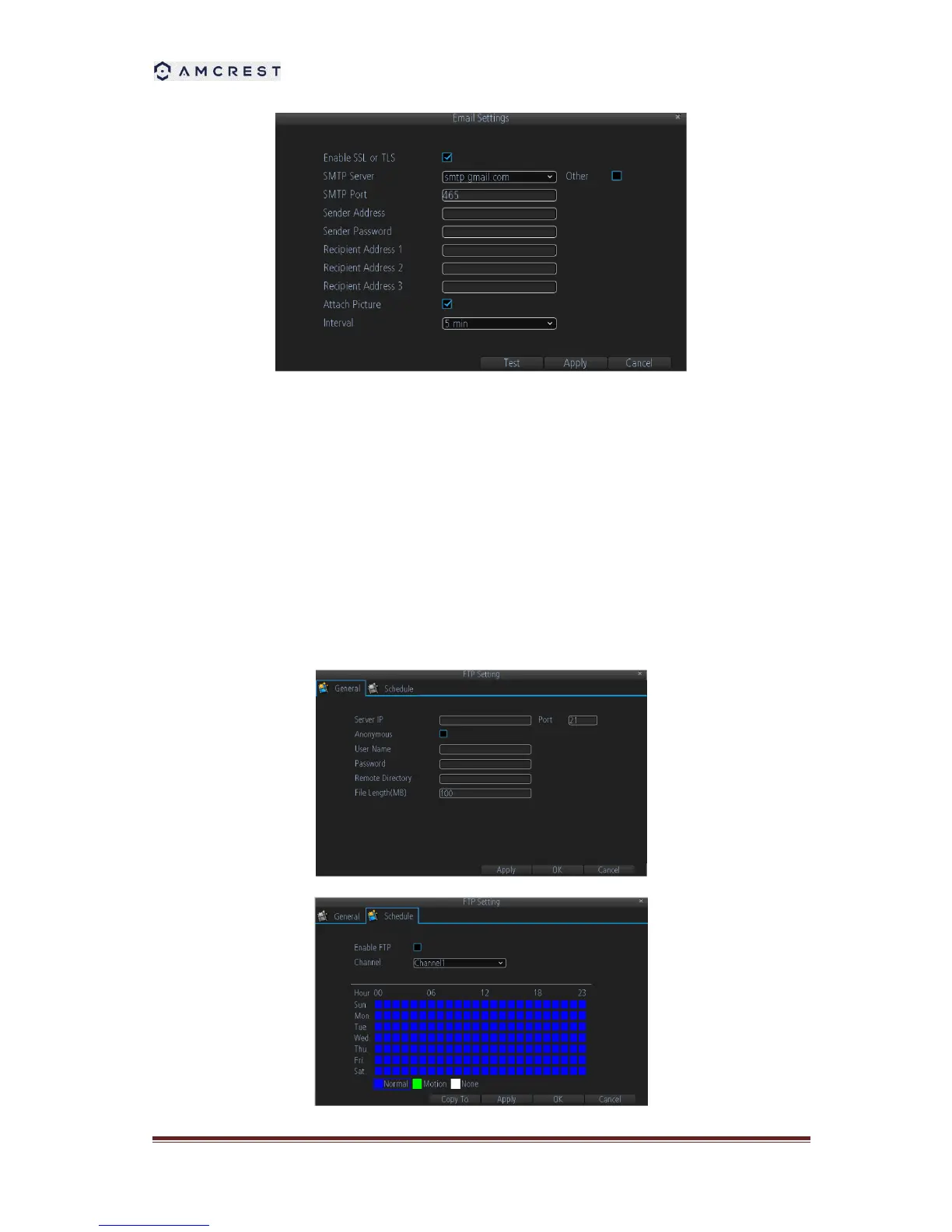
1. Enter e-mail settings.
2. Click the Test button to test e-mail settings.
3. Select Attached Picture if you want to send email with alarm images, the interval of two
adjacent pictures is configurable.
8.2.4 FTP Settings
FTP is used to upload streams to your FTP server. You can set up an uploading schedule which
is triggered by time, motion detection, or/and alarm.
To configure FTP settings:



 To Next Page