AMDV960H4 User Manual
www.amcrest.com 9
2 GETTING STARTED
2.1 Starting and Shutting Down Your DVR
Proper startup and shutdown procedures are crucial to extending the life of your DVR. To startup
your DVR, please plug the power supply into an electrical outlet. It is HIGHLY recommended that
an Uninterruptible Power Supply (UPS) be used in conjunction with the unit. The Power indicator
LED on the front panel should turn on, indicating the unit is receiving power.
To shutdown the DVR:
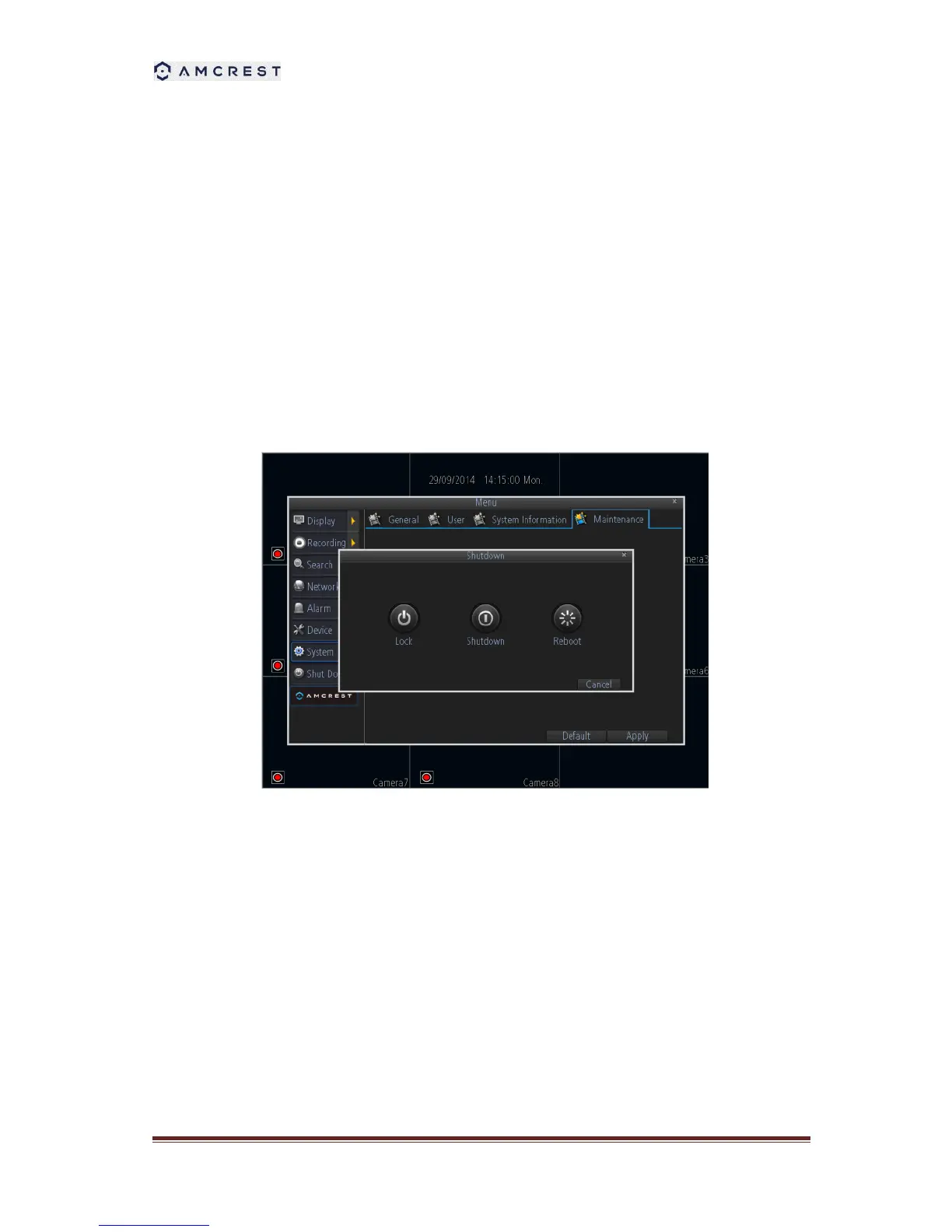
1. Enter the Shutdown menu, click on Menu > Shutdown.
2. Select the Shutdown button.
3. Click the OK button.
4. Unplug the power supply on the rear panel to safely shutting down the system.
2.2 Rebooting and Locking Your DVR
In the Shutdown menu, you may also reboot or lock your DVR. Locking your DVR will return you
to the Live Preview mode. The username and password must be re-entered to access the menus
again. The Reboot button will reboot your DVR. To reboot or lock your DVR:
1. Enter the Shutdown menu by clicking Menu > Shutdown.
2. Select the Lock button to lock the DVR or the Reboot button to reboot the DVR.



 To Next Page