AMDV960H4 User Manual
www.amcrest.com 33
To view SMART information of a HDD:
1. Select one HDD.
2. You can see the detail S.M.A.R.T information of the HDD.
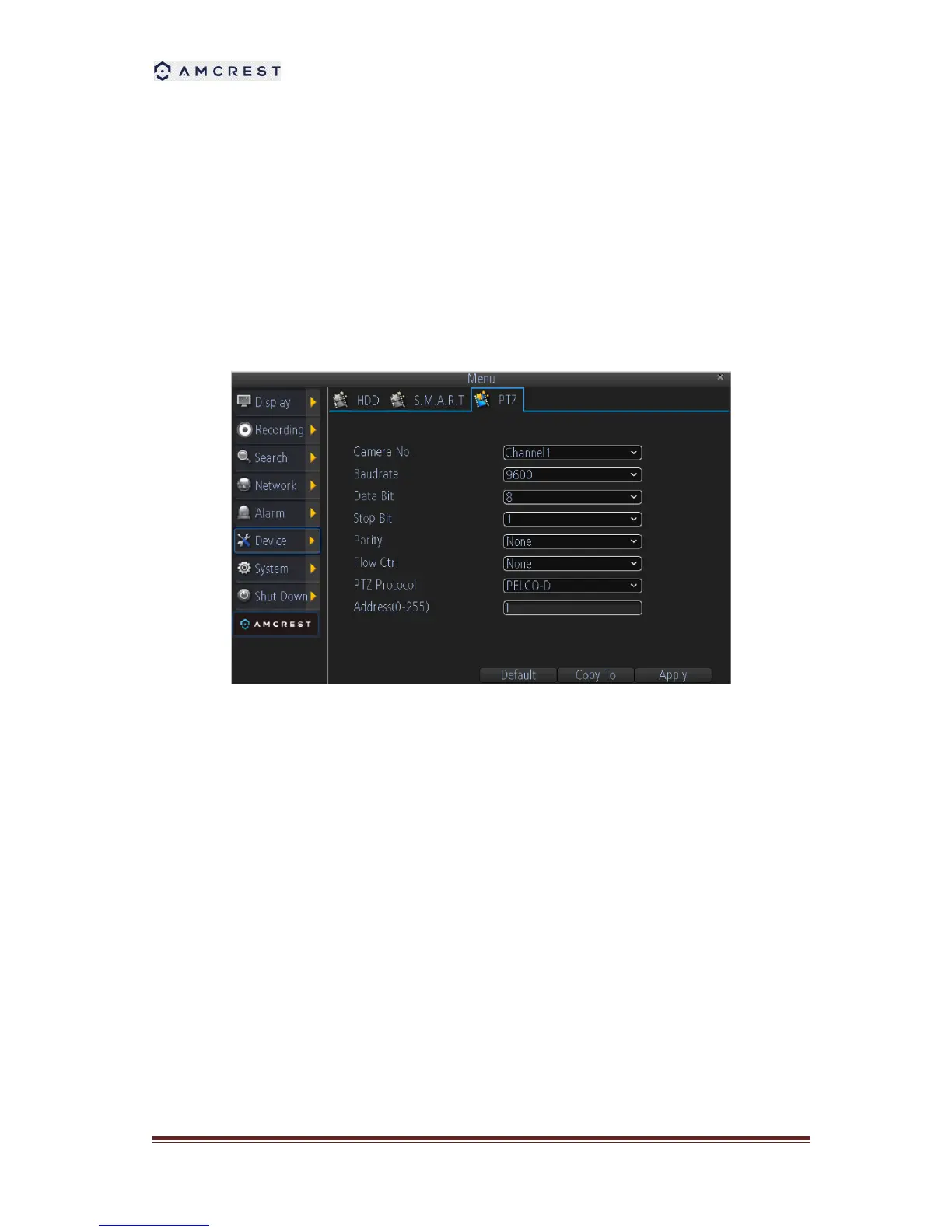
10.2 Configuring PTZ Settings
Settings for a PTZ camera must be configured before it can be used. Before proceeding, verify
that the PTZ and RS-485 of the DVR are connected properly.
To configure PTZ settings:
1. Select channel where PTZ camera is installed next to the Camera label.
2. Enter PTZ settings according to the camera.
3. Click OK button to save and exit menu.



 To Next Page