AMDV960H4 User Manual
www.amcrest.com 31
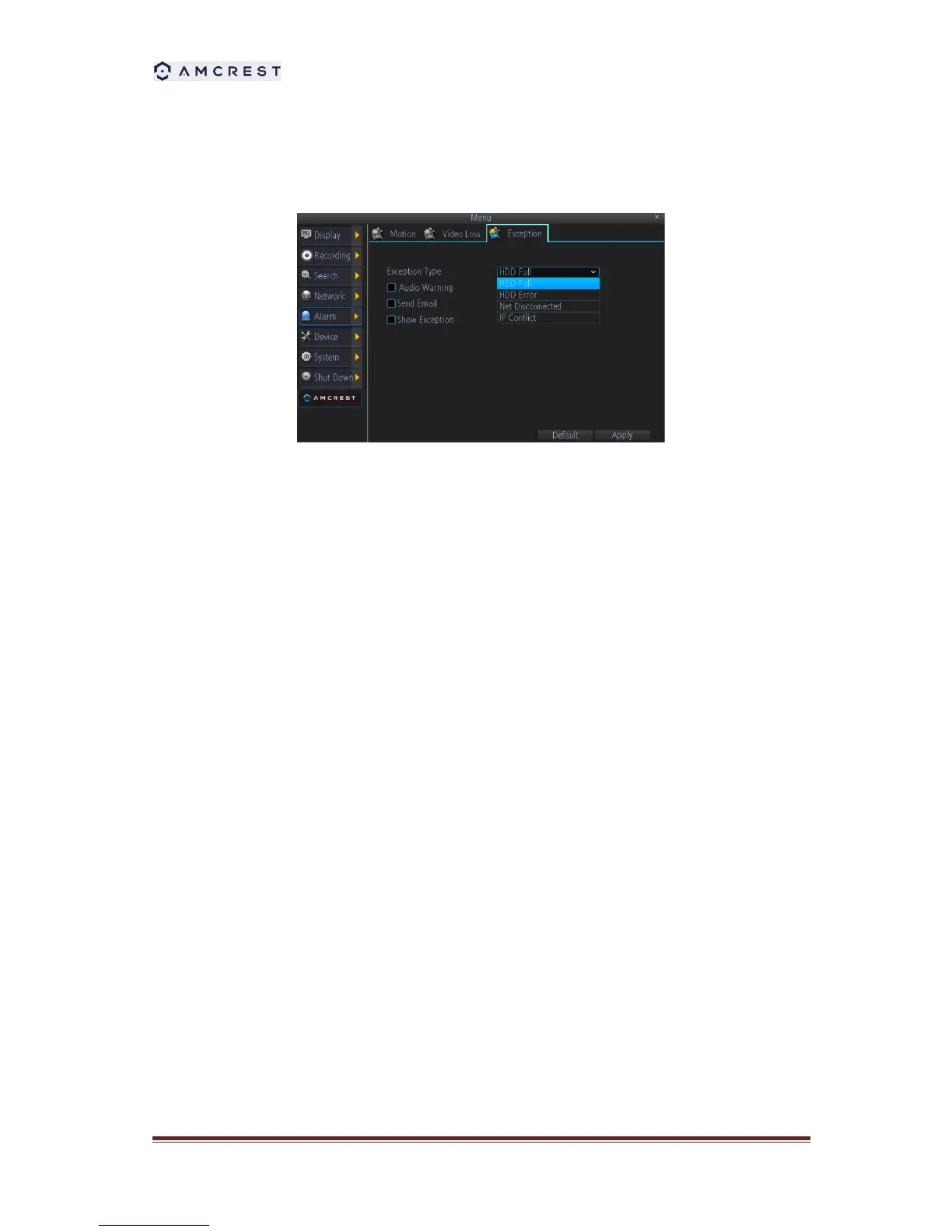
9.3 Detecting Exception
Setting exceptions allows the DVR to alert you when irregular events occur. These events include:
1. HDD Full: All installed HDDs are full.
2. HDD Error: Errors occurred during writing of the HDD, no HDD installed, or HDD had failed
to initialize.
3. Net Disconnected: Disconnected network cable.
4. IP Conflict: Conflict in IP address settings.



 To Next Page