AMDV960H4 User Manual
www.amcrest.com 28
1. Configure FTP server settings.
2. Configure the uploading schedule.
There are multiple icons in Live Preview mode to indicate FTP uploading status when FTP
uploading is triggered. These icons include:
This icon indicates the DVR is uploading the stream of this channel, and it work very well.
This icon indicates the DVR is trying to upload the stream of this channel, but it failed. You
should check FTP server configuration, network, and server.
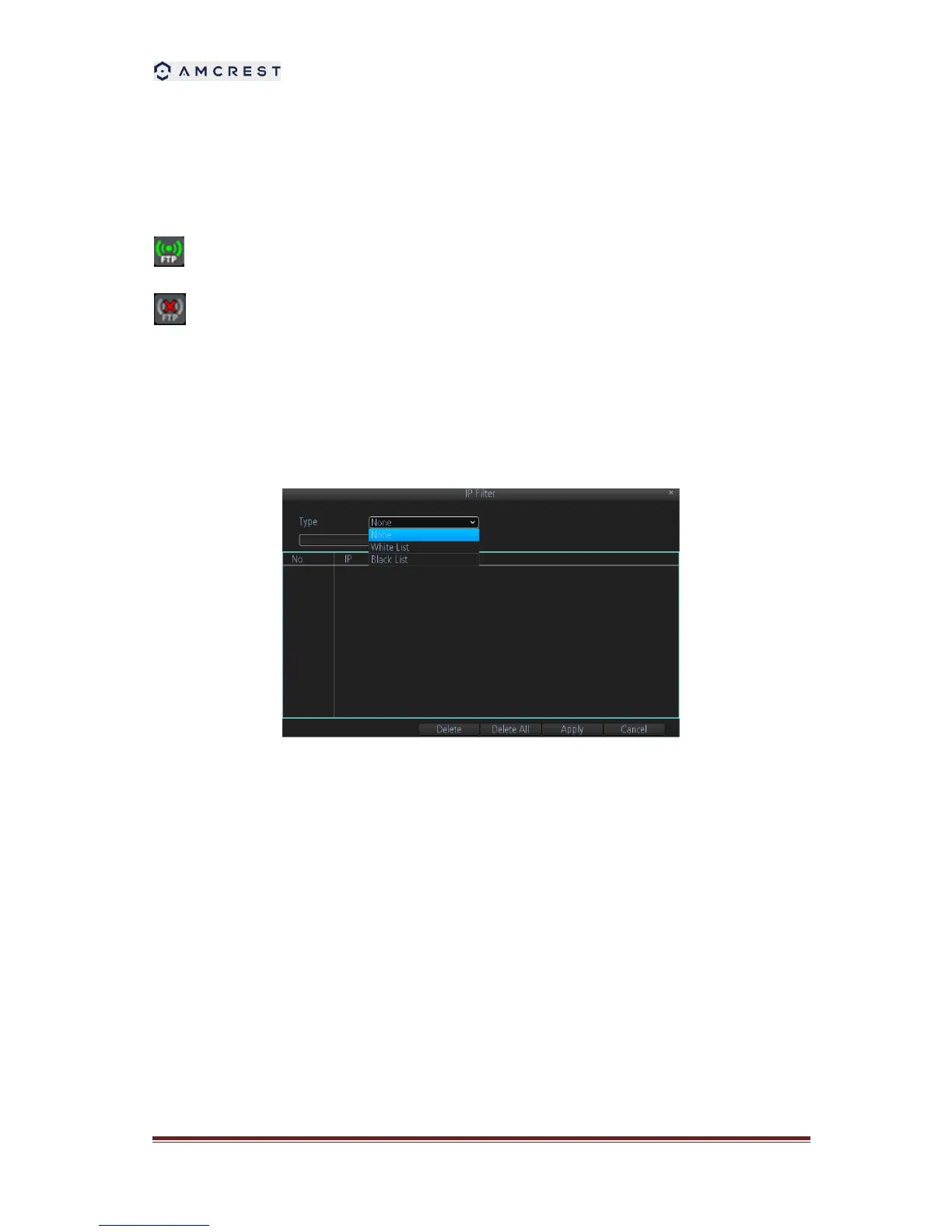
8.2.4 IP Filter
IP filter is used to manage the remote access to your DVR. The management is based on the IP
address of remote visitor.
1. White List: If you select the white list, only the listed IP addresses can connect your DVR.
While
2. Black List: If you select black list, the listed IP addresses cannot connect your DVR.
3. None: If you want to disable this function, please select NONE for restricted type. Then any
IP can have access to the DVR.



 To Next Page