AMDV960H4 User Manual
www.amcrest.com 47
13.3.2 Playback Control
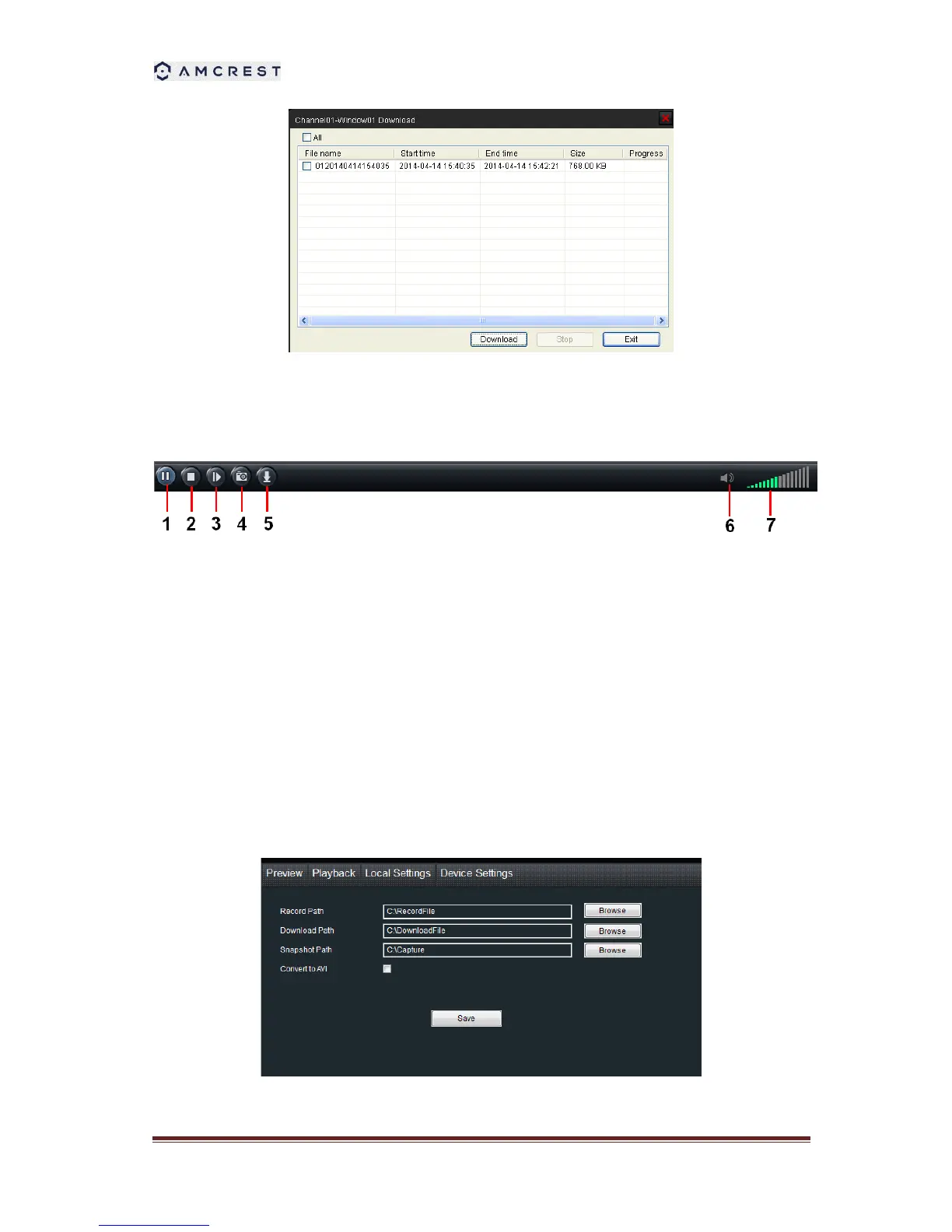
When playback has succeeded, you can control the playback:
1) Play / Pause.
2) Stop.
3) Single frame forward.
4) Snap shot.
5) Download the recording file. The default directory for the downloaded file is C:\
DownloadFile. You can modify the directory in Setup -> Local Settings page.
6) enable/disable the audio
7) Volume control.
13.3 Local Settings
The local configuration screen is where you can customize how SmartClient will store and



 To Next Page