AMDV960H4 User Manual
www.amcrest.com 45
13.2 Live View
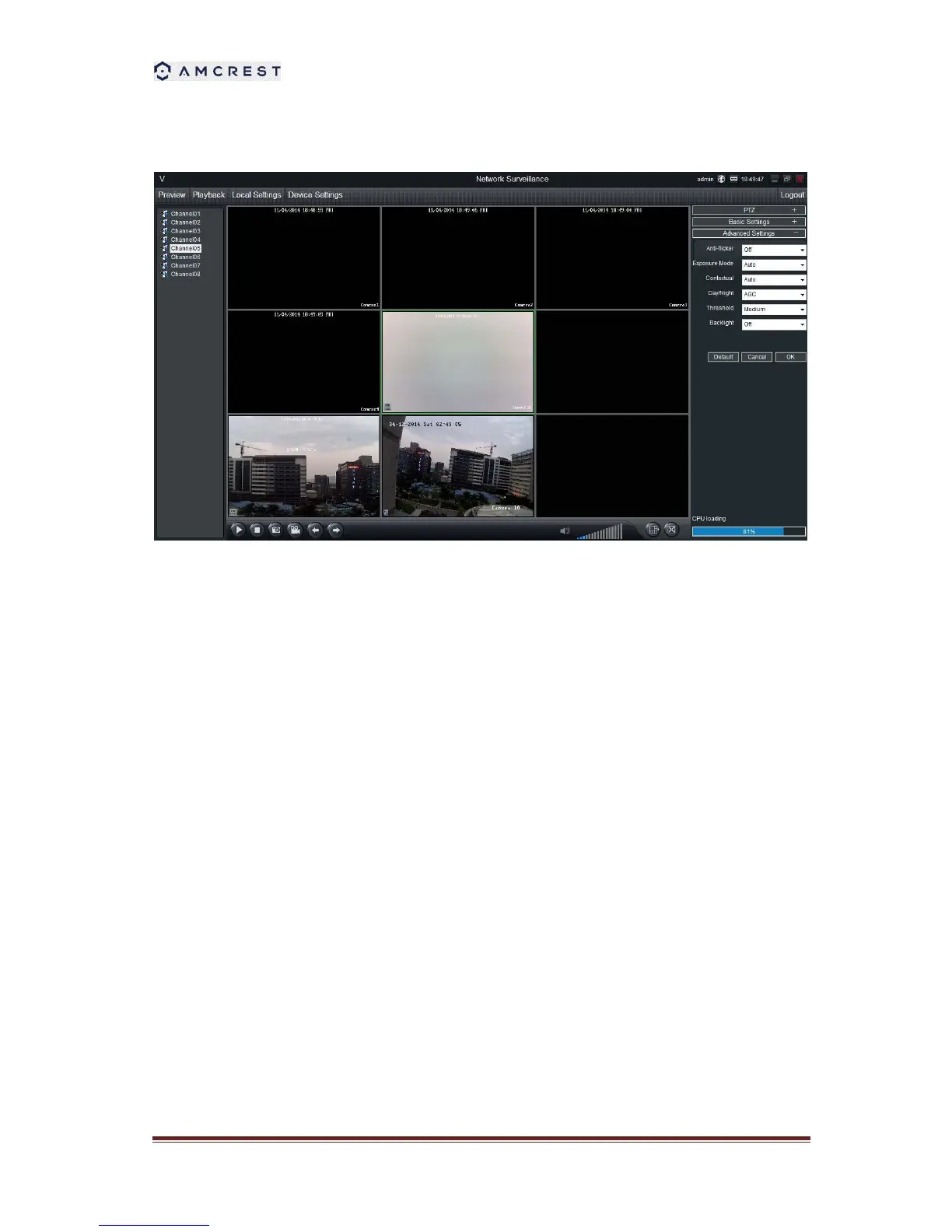
Preview: The screen layout emulates the multi-channel live view screen of the DVR, showing
you images coming directly from your cameras in near real-time (some delay is caused by the
network/Internet connection you’re using to access the device). You can select a single camera
or multi-channel viewing by using the Viewing Mode buttons in the lower right corner.
Playback: Opens the Playback interface, which operates in much the same way as the playback
interface on the DVR itself.
Local Settings: Defines how SmartClient will manage and save footage and still images to your
local PC.
Device Settings: Allows access to the device’s settings. The configurable options are very
similar to those you’ll find in the device local menus.
Main Viewing Area: Where images from your camera will be shown. Select Preview to return to
this view from the Playback interface or the configuration menus.
Image Controls: You can alter the brightness, contrast, saturation and hue of your images here.
They operate in the same way as those in the device’s local menu.
Viewing Modes: Choose between single camera viewing, four channels at once (2 x 2) or all
eight channels at once (3 x 3).
Volume Control: Alters how loud the audio output from the device will be.
CPU Loading: How hard your computer is working to decode and display images as they arrive
from the device.



 To Next Page