AMDV960H4 User Manual
www.amcrest.com 29
9 ALARM SETTINGS
9.1 Motion Detection
Set up properly, using motion detected recording will increase the number of days your DVR is
able to record. It will only record relevant events rather than recording everything, making
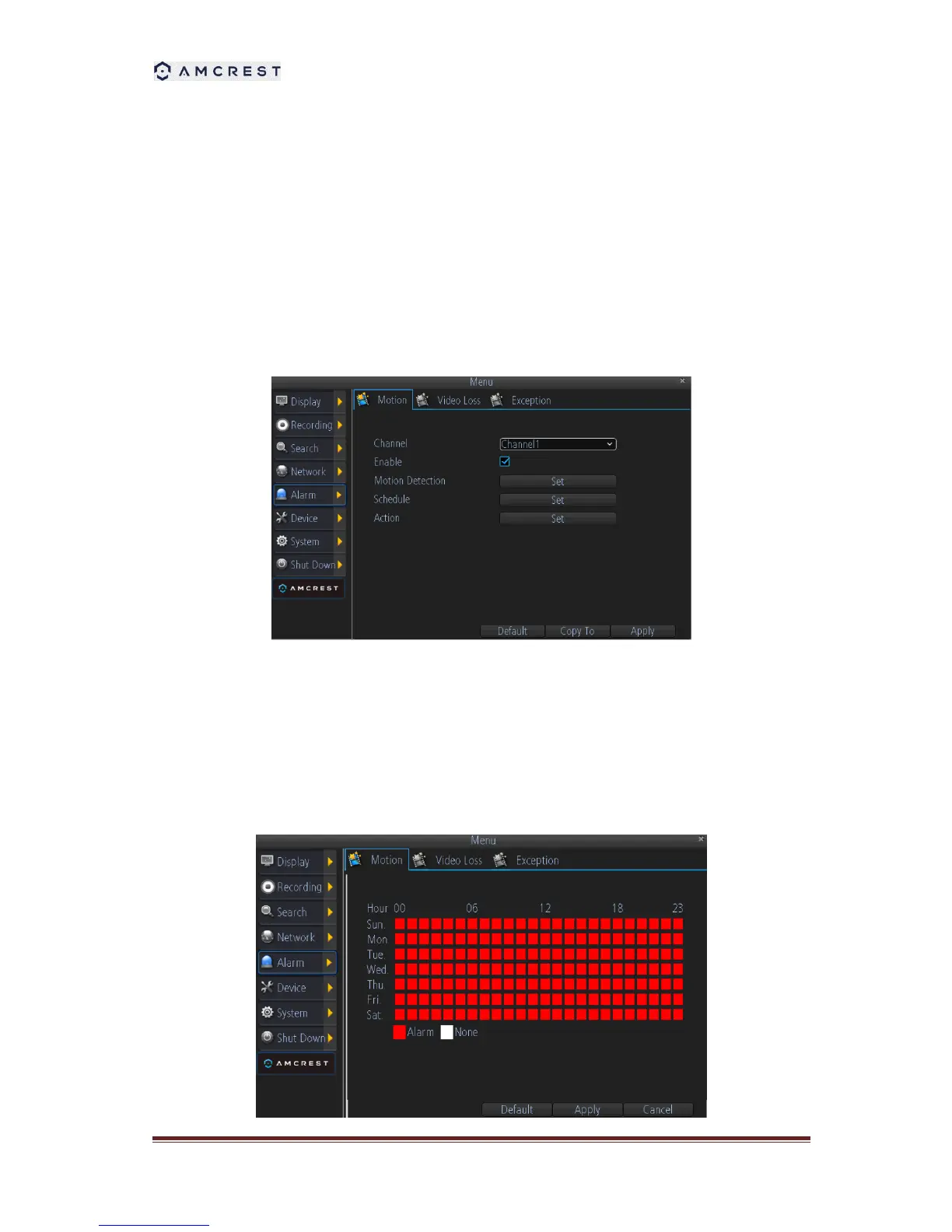
searching for an event easier. To set up motion detection:
1. Select the channel you’d like to configure.
2. Check the checkbox of Enable to enable Motion Detection.
3. Click the applicable Set button of Motion Detection to setup the motion detection area and
sensitivity for that channel.
4. Configure the schedule for motion detection. User can define when it’s armed or disarmed
during 24x7.



 To Next Page