AMDV960H4 User Manual
www.amcrest.com 32
10 DEVICE MANAGEMENT
10.1 Managing HDDs
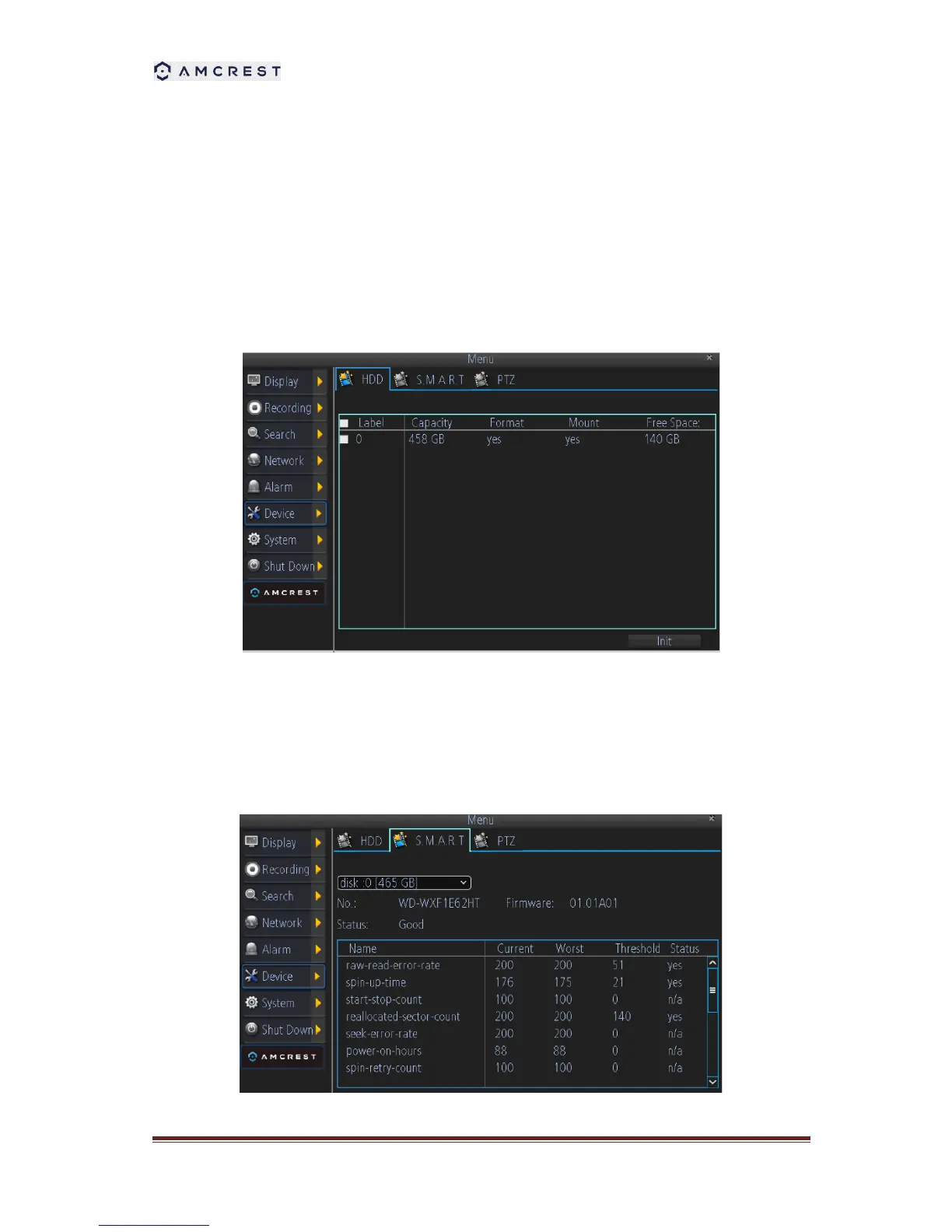
A newly installed hard disk drive (HDD) must be first initialize before it can be used with your
DVR. Initializing the HDD will erase all data on it.
To initialize a HDD:
1. Select HDD to initialize.
2. Click the Init button.
3. Select OK button to begin initialization. After the HDD has been initialized, the status of the
HDD will change from No to Yes.



 To Next Page