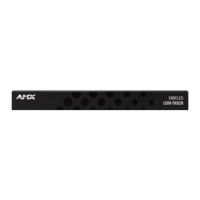
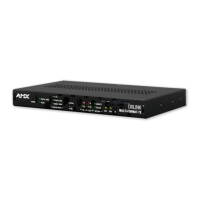
UDM-RX02N Wiring and Connections
41
UDM-0808-SIG, UDM-RX02N and UDM-ABB-8-SIG Operation /Reference Guide
UDM-RX02N Wiring and Connections
Overview
The UDM-RX02N is designed to connect to the network via a connection to an UDM Hub. In this document,
the UDM-0808-SIG is used as the example, but the UDM-RX02N is compatible with other previous versions
of the UDM Hubs. Refer to the relevant UDM Hub documentation (available at www.amx.com) for more
information on connecting the UDM-RX02N to other UDM Hubs.
Power Connector
Use the 2.1mm barrel-style DC power socket (female) to connect to a 24VDC, 750mA power supply.
Powering on the UDM-RX02N
To connect the UDM-RX02N to the optional power supply, insert the barrel connector of the power supply into
the power connector on the UDM-RX02N (FIG. 34).
To power down the UDM-RX02N, remove the barrel connector of the power supply from the power connector
and remove the patch cable from the UDM HUB RJ45 connector.
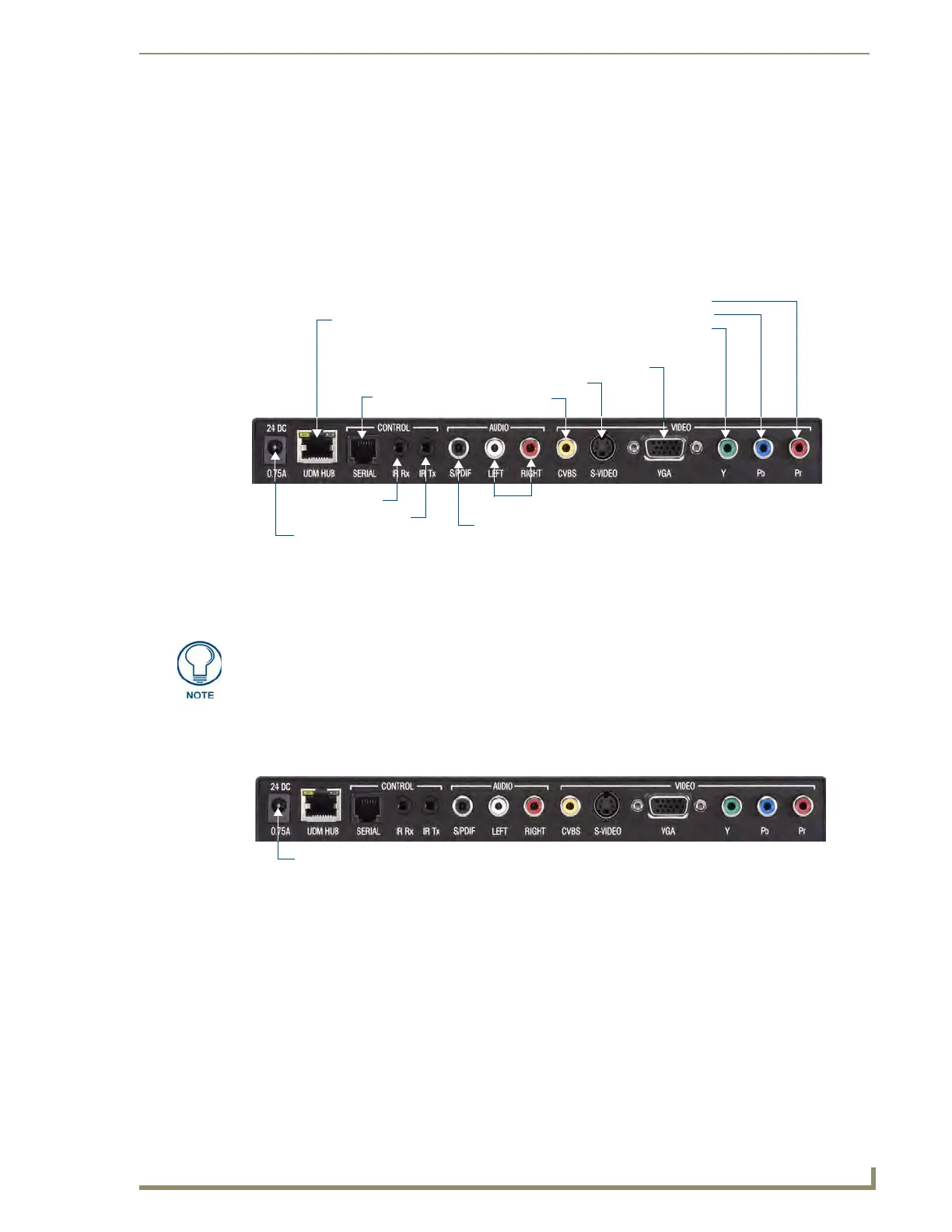
FIG. 33 UDM-RX02N Hub and Serial Ports
Serial port (RJ12)
IR Rx port
SPDIF Digital Audio port
RCA Audio (Left/Right)
CVBS port
S-Video port
Power connector
UDM HUB port (RJ45) - from an
IR Tx port
VGA (HD15) port
Component (Y) port
Component (Pb) port
Component (Pr) port
“OUTPUT” port on the UDM Hub
(rear)
While the UDM-RX02N is powered by the Hub for short cable runs; a local (24VDC,
750mA) power supply is required for cable distances above 328’ / 100M. The
recommended power supply is the UDM-PS (FG-UDM-PS, included).
FIG. 34 UDM-RX02N - Power connector
Power connector (required for cable runs of 394’/120M) - use UDM-PS power supply (FG-UDM-PS)


 To Next Page
 Loading...