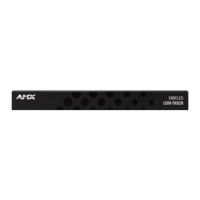
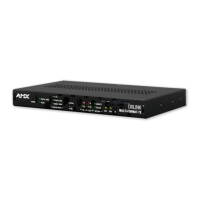
UDM-ABB-8-SIG Audio Breakout Box
75
UDM-0808-SIG, UDM-RX02N and UDM-ABB-8-SIG Operation /Reference Guide
"SAI" Send Command
Use the "SAI" Send Command to configure a specific audio input to accept signals of a certain type, and set
the source as either a local source (devices connected directly to the inputs A-H on the UDM Hub to which the
ABB is connected) or cascaded from an upstream UDM-0808-SIG Hub.
Syntax:
SEND_COMMAND <DEV>, "'SAI<I#>T<T#>C<C#>'"
Va ria bl es:
I# = input number - a value of zero indicates all inputs, initial 'I' may be omitted.
1-8 = Inputs A-H
T# = type of incoming audio:
"NONE"
"ANALOG"
"DIGITAL"
C# = Cascade selector - if present assume CASCADE, if not assume LOCAL.
"LOCAL"
"CASCADE"
Example 1:
SEND_COMMAND dvUDM,"'SAI2TANALOG'"
Sets input B to accept analog stereo signals from "local" devices (source devices connected to the UDM
input connectors).
Example 2:
SEND_COMMAND dvUDM,"'SA3TDIGITALC'"
Sets input C to accept digital audio from an upstream UDM Hub.
Example 3:
SEND_COMMAND dvUDM,'"SAI7DIGITALCLOCAL"'
Sets input G to accept digital audio from "local" devices.


 To Next Page
 Loading...