EasyManua.ls Logo

ANDO Technik Galcon 800248 - User Manual

Default Icon
40 pages
Print Icon
To Next Page IconTo Next Page
Loading...
Kfar-Blum 1215000, Tel: 972-4-690-0222 Fax. 972-4-6902727 E-mail:info@galconc.com, www.galconc.com
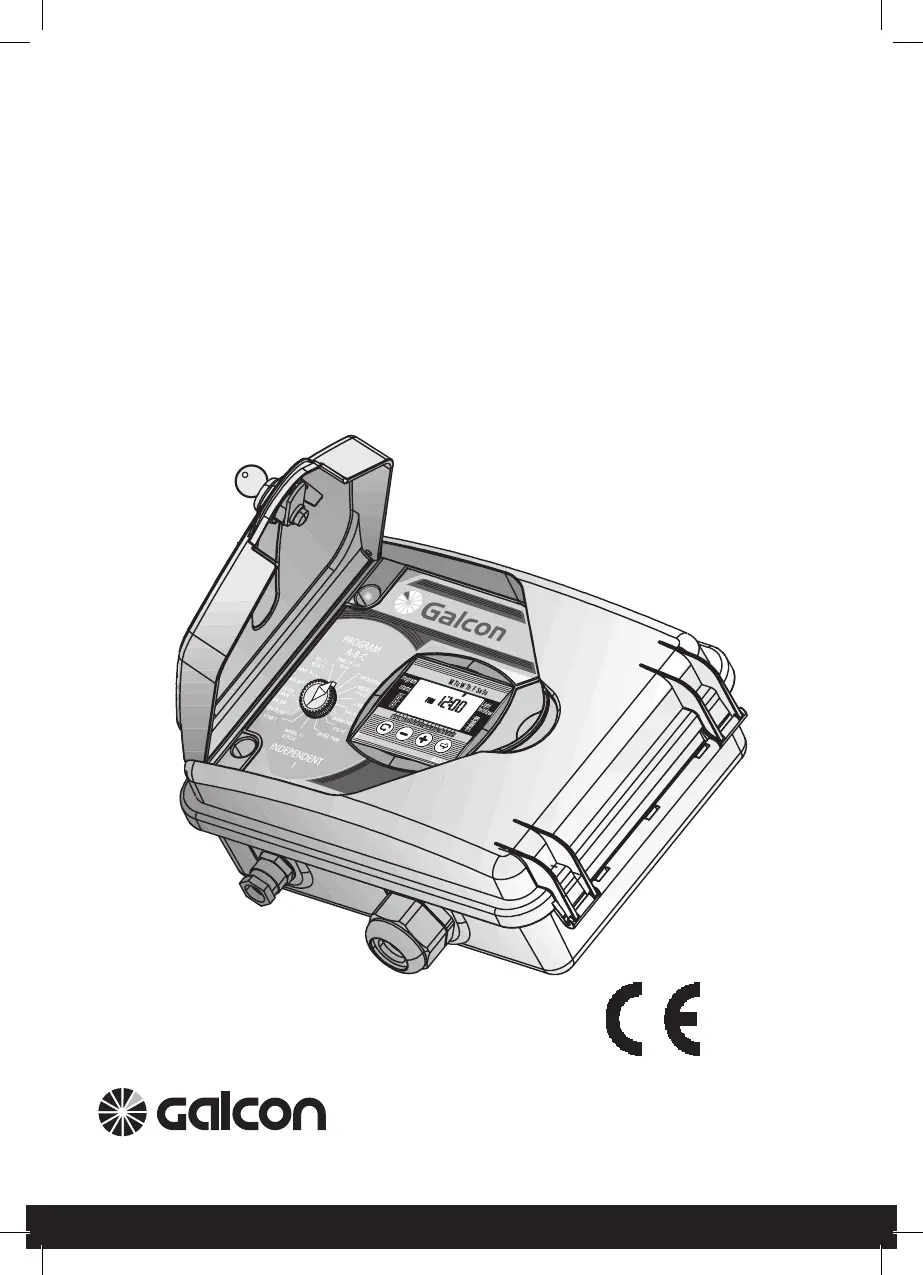
Electrically Operated Advanced
Computerized Irrigation Controller
Installation and Operating Manual
Controller Model 800248 –
Operating 1 to 24 valves + Main Valve or Pump
Controller Model 800244 –
Operating 1 to 4 valves + Main Valve or Pump

Questions and Answers

  • S
    Susan WilliamsJul 25, 2025
    Why ANDO Technik Galcon 800248 cannot be programmed?
    • J
      Julie CraneJul 25, 2025
      If the ANDO Technik Controller cannot be programmed or the display does not appear, the cause may be a problem in the power circuit or an impaired battery. Check the power source or transformer, or replace the battery.
  • J
    Jeffrey MorenoJul 31, 2025
    What to do if the ANDO Technik Galcon 800248 valve will not close?
    • C
      Christopher WrightJul 31, 2025
      If the valve on your ANDO Technik Controller will not close, there could be several reasons. First, check if the operating handle on the valve is in the OPEN position and turn the valve handle to the AUTO closed position. Another cause might be dirt and scale in the valve, so try cleaning it. Finally, there may be a problem in the valve itself, such as a torn diaphragm, in which case you should replace the valve.
  • M
    Mary ConradAug 6, 2025
    How to fix a valve that will not open in automatic program/ computerized manual operation in ANDO Technik Galcon 800248?
    • S
      Scott BowersAug 6, 2025
      If the valve will not open in automatic program or computerized manual operation of the ANDO Technik Controller, the cause may be a disconnection of the valve control cable. Carefully check wire connections and the valve control cable.
  • J
    Jane ThompsonAug 13, 2025
    What does a blinking drop in line with one of the valves on the display panel of ANDO Technik Galcon 800248 mean?
    • N
      nathanowensAug 13, 2025
      A blinking drop in line with one of the valves on the display panel of the ANDO Technik Controller indicates a short-circuit in the valve control cable or solenoid. Check the wire connections and replace the solenoid if necessary.
  • T
    Taylor BrownAug 19, 2025
    Why is the sensor icon blinking and the valve not opening on my ANDO Technik Galcon 800248 Controller?
    • A
      anita04Aug 19, 2025
      If the sensor icon is blinking and the valve is not opening on your ANDO Technik Controller, it indicates a short-circuited sensor. Replace the sensor or repair the connection.

Summary

Installation Preparation Guide

Adjusting Controller to Valves

Instructions on connecting the irrigation controller to the system valves.

Installation and Wiring Instructions

Controller Unit Installation

Steps for mounting the controller and installing the backup battery.

Solenoid Wiring Guide

Detailed instructions on connecting solenoid wires to the controller.

Electrical Safety Instructions

Critical safety warnings for electrical connections and controller usage.

Controller Power Connection

Steps for safely connecting the controller to the main power supply.

Irrigation Controller Programming

Setting Time and Date

Procedure for setting the controller's current time and day of the week.

Advanced Controller Features

Sensor Valve Assignment

Linking sensor input to control valve operation.

Rain Off; Suspension Mode

Temporarily suspending irrigation schedules due to rain or other conditions.

Program Reset

Resetting all controller programs to factory defaults.

Controller Maintenance Guide

Troubleshooting and Repair Guide

Guide to diagnosing and fixing common controller problems.

ANDO Technik Galcon 800248 Specifications

General IconGeneral
BrandANDO Technik
ModelGalcon 800248
CategoryController
LanguageEnglish