- 27 -
Programming controller for Individual valve -
Independent Program I
4. Cyclic Irrigation Programming
In this operation the controller is programmed to operate the selected valve at set cyclic
times. The cycle can be set from one day up to 30 days.
Cycle Time Selection
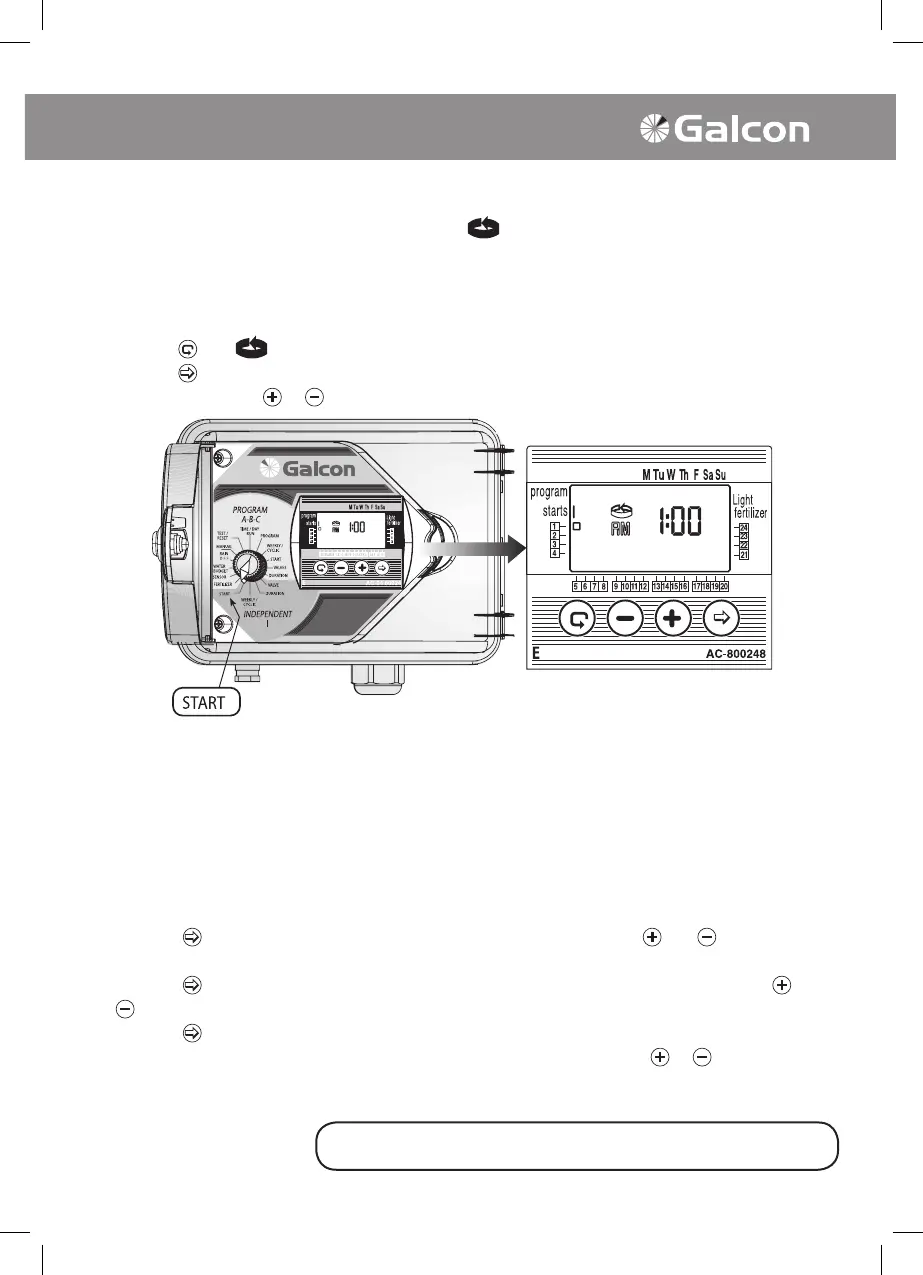
• Turn selector to WEEKLY/CYCLE (mode Independent Program I)
• Press on
until symbol and DAYS 1 appears, meaning, the cycle is 1 day.
• Press on
. 1 blinks.
• Set cycle time using
or as necessary up to 30 DAYS.
Starting Irrigation Cycle for Cyclic Programming
In this operation the time and day for starting cyclical irrigation of the rst valve is set (in cyclical
programming there is only one start time). All of the valves attributed to the designated program will
open in sequential order. As the rst valve closes, the second will open and so forth.
The number of days preceding the start of the program must be set. 0 DAYS – program will start
operation as of that day, 1 DAYS – program will start operation the following day and so forth. Days
preceding start of cycle irrigation may be up to 14 days.
• Turn selector to START IRRIGATION mode (Programs A, B and C). START 1, and the last
displayed starting time/OFF will appear on display panel.
• Press on
.Hour digits will blink. Set the desired starting time using the and buttons as
necessary.
• Press on
. Minute digits will blink. Set the desired minutes for the starting time using the and
buttons as necessary.
• Press on
until Number 1 and the word DAYS (or the last programmed number of days in cycle)
appear on display panel. Set number of days preceding start of cycle with
or buttons as
necessary.
To program additional valves in Independent Program I return to page 21 "Select Valve"
(Independent Program I).
The selector should be returned to the TIME/DAY mode
following modification or ending of the program.



 To Next Page