- 29 -
Advanced Programming
2. Attribution of Sensor Valve
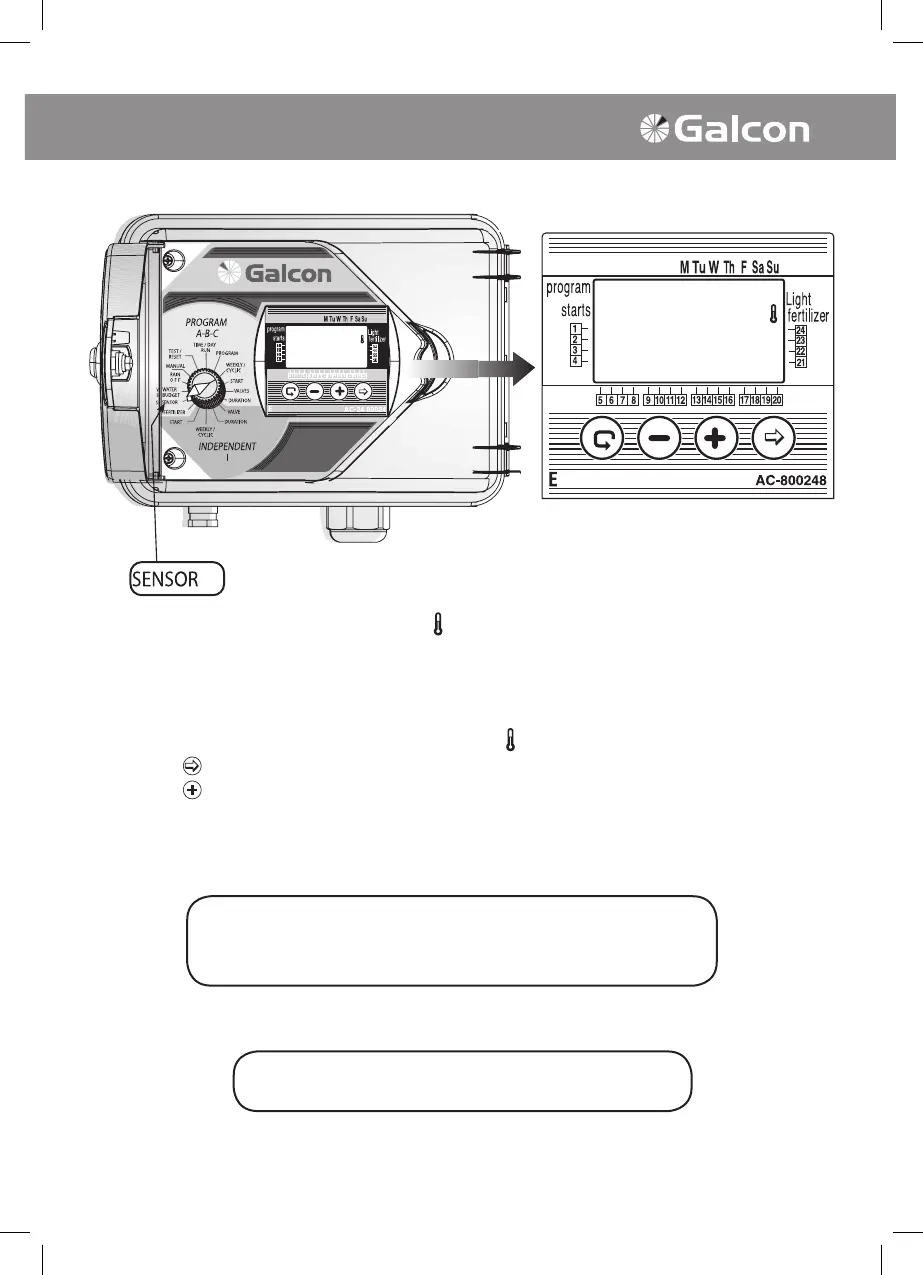
The sensor is operated by closing the value to which it is attributed according to relevant conditions,
e.g. precipitation, dampness, temperature. An operated sensor will prevent the opening of the valve
(or will close it ). The operator may select any valve to be attributed to the sensor.
• Turn the selector to the Sensor mode. Sensor symbol
will appear on the display panel.
• Press on
. The symbol of the rst available valve will begin to blink.
• Press on
to select valve. The respective valve symbol will stop blinking and symbol of the next
available valve will begin to blink.
ATTENTION!
A valve programmed for 00:00 irrigation duration cannot be
attributed to the SENSOR!!!
The selector should be returned to the TIME/DAY mode
following modication or ending of the program.



 To Next Page