- 33 -
Advanced Programming
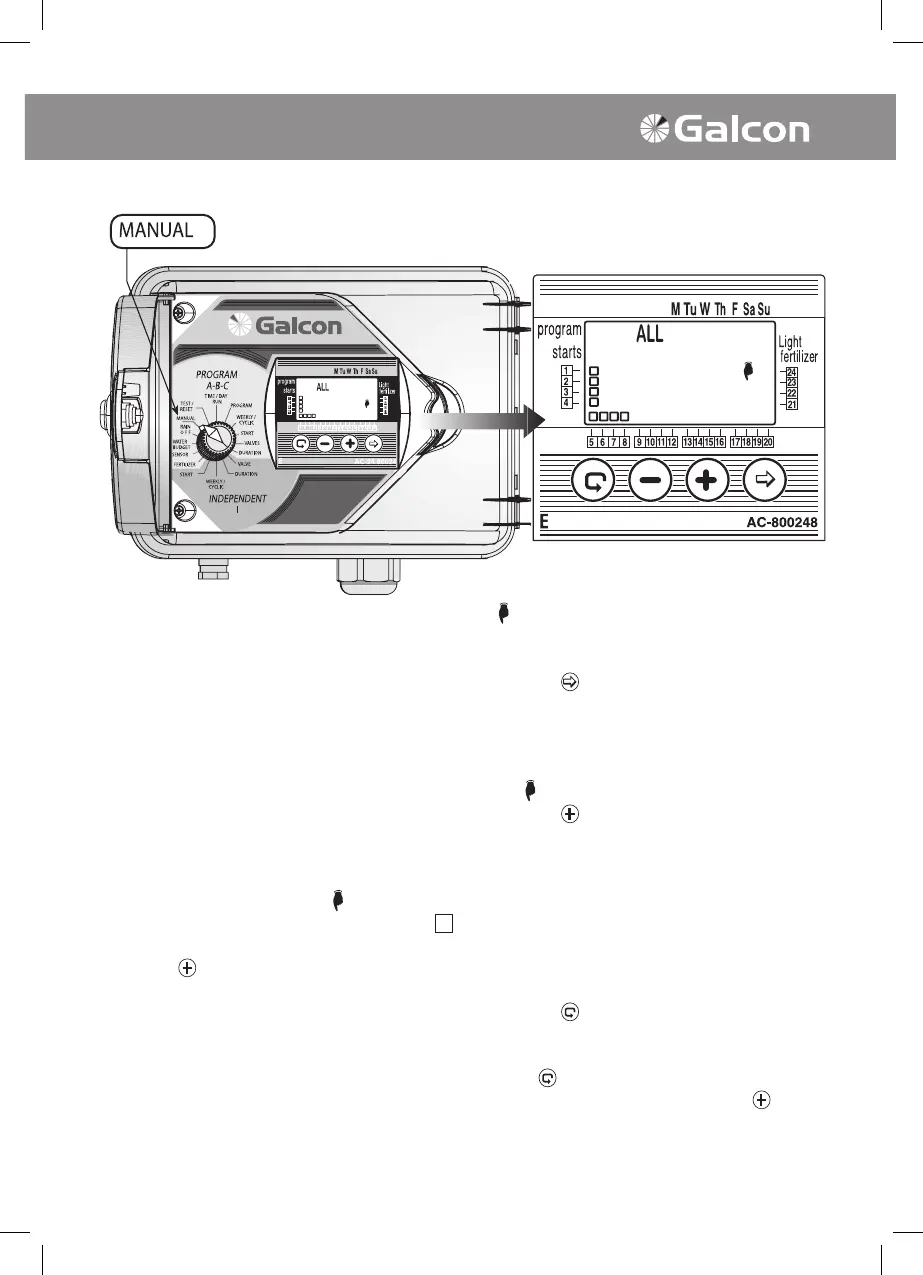
Valves may be manually activated by the
following ve options:
1. ALL of the valves may be manually operated;
2. Valves attributed to a specic program (A,B,C
or I) may be manually operated;
3. More than one program may be manually
operated (e.g. A and B);
4. All of the Independent Program I may be
manually operated;
5. One or more of the Indep Program I valves
may be manually operated.
1. Manually Operation of All Valves
• Turn selector to manual mode.
Symbol, the
word ALL and all of the programmed valves
will appear on display panel.
• Press on
. The word HOLD will immediately
appear on the screen for a few seconds.
• The valves will open according to the
following sequence: 1. Valves programmed
in Independent Program I, from the smallest
number upward. 2. Valves attributed to
Program A, and then Program B, and the
Program C.
2. Manual Operation of a Number of Valves
Attributed to Programs A, B, C or I
• Press on
. programs symbol will blink ON and
OFF.
• Press on until the until the necessary program
appears ((for example, Program A). Symbols of
the valves attributed to this program along with
the
ymbol will appear on the display panel.
• Press on
. The word HOLD will immediately
appear on the display screen for a few seconds
followed by the word ON.
• Valves attributed to the designated program will
open sequentially.
• Valves attributed to the designated program will
open sequentially.
3. Manual Operation of one of the
Independent Valves
• Press on
until I disappears, and the symbol
of the rst valve attributed to Group I appears
on the display panel.
• Using
select desired valve.
• To activate selected valve press on
. The
word HOLD will appear on the screen for a
few seconds followed by the word ON. The
selected valve will immediately open.
6. Manual Computerized Operation



 To Next Page