- 34 -
Advanced Programming
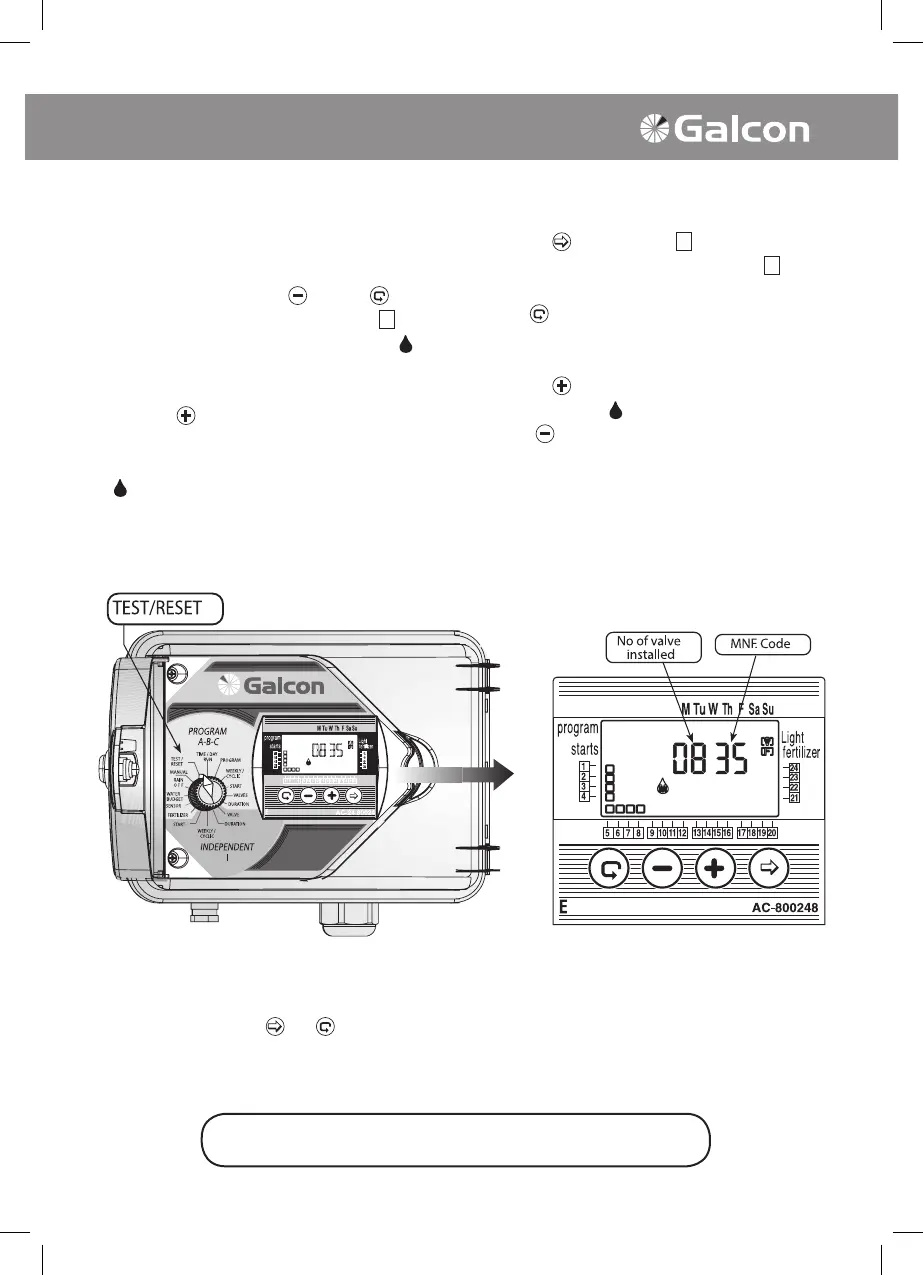
7. Testing
Turn the selector to TEST/RESET mode. Serial
Testing of the Programmed Valves
• Press simultaneously on
and the for 4
seconds. All the programmed valves
will
appear on the display panel and a drop
will
appear in line with the rst valve – showing
that this valve is open.
• Press on
. The rst valve will close and the
sequential valve will open.
• If one of the valves is short-circuited the drop
in line with the valve will blink. The valve
must be detached or the short circuit repaired
to enable the testing to be continued.
Testing of an Individual Valve
• Press on
. The symbols of all the valves
will appear, and the symbol of valve 1
will
blink.
• Using
select the necessary valve needed
to be tested (the symbol of the selected valve
will blink).
• Press on
. The selected valve will open and
the drop symbol
will appear in line with it.
Press
.The valve will close.
Please Note: In order to enable the fertilizer
valve to be tested, it is necessary to open
one of the valves and the main valve (if
there is a main valve) manually in order to
ascertain a ow of water, and only then may
an electrical testing of the fertilizater valve
be done.
8. RESET
It is possible to delete all of the controller's programs.
• Turn the selector to Test/Reset .
• Press simultaneously
on and for 4 seconds. All of the controller's programs will be deleted.
The full display will appear on the screen signifying the deletion of all of the programs. The
procedure has been completed successfully. The no. of valves and MNF. code will appear on the
screen. The controller must now be reprogrammed.
The selector should be returned to the TIME/DAY mode
following modification or ending of the program.



 To Next Page