- 23 -
Programming controller for Individual valve -
Independent Program I
Controller Programming for Individual Valve - Independent Program I
First select the desired valve and then continue programming the irrigation as follows:
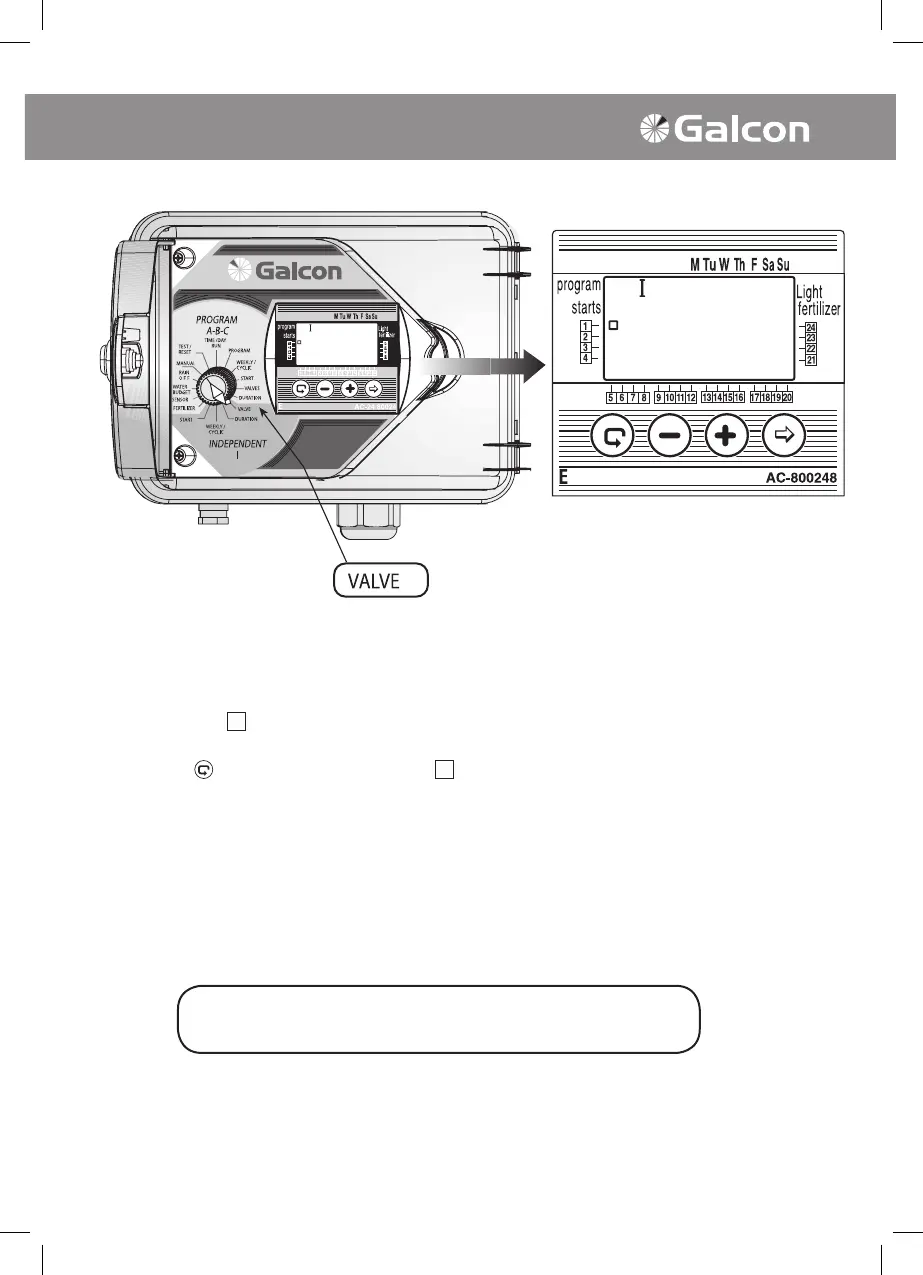
1. Valve selecting (Independent Program I)
• Turn selector to VALVE mode (in Independent Program I). Symbol I and symbol of rst
available valve
will appear on display panel. (It is possible to select any valve that
has not been pre-designated for another program).
• Press on
several times until the symbol of the desired valve appears.
• Turn selector to irrigation duration.
The selector should be returned to the TIME/DAY mode
following modification or ending of the program.



 To Next Page