- 26 -
Programming controller for Individual valve -
Independent Program I
Starting Irrigation Time for Weekly Program
In this operation it is possible to program up to 4 different starting times for a 24 hour period.
The valve will open at these starting times for the designated duration.
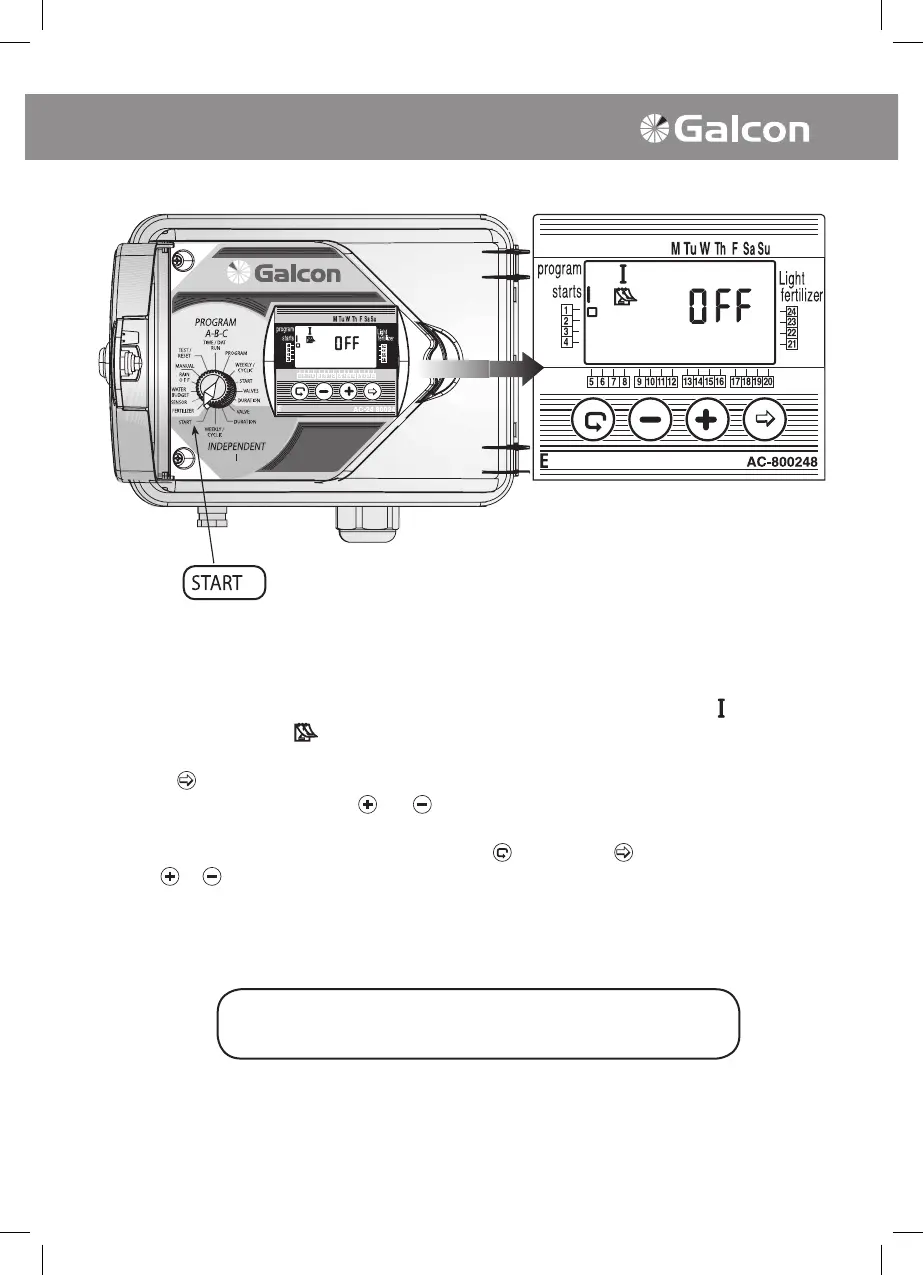
• Turn selector to START mode (Independent Program I). The display panel will show:
starts , the
Weekly Program symbol
, the word OFF or the last entered starting time, valve in line with the
selected valve.
• Press on
. The data appearing will blink (or the last starting time).
• Set the desired starting time using
and as necessary. (Note AM/PM designations).
• Repeat Steps 2 and 3 to Program START 2, 3, 4 (START II- III-IV) if desired.
• To cancel a specic starting time, select the time with
and press on . The hour digits will blink.
Press
or as necessary until the word OFF appears on the display panel.
The selector should be returned to the TIME/DAY mode
following modification or ending of the program.



 To Next Page