Instrument Overview 2-4 Interface Screen
MS2712E/13E User Guide PN: 10580-00251 Rev. T 2-9
Display Settings
The Display Settings submenu lets you adjust the screen brightness level and control the
auto-dimming function. Refer to “Brightness Settings Menu” on page 5-8.
You can also turn off the display entirely, as described in “Display Settings Menu”
on page 5-7. To turn the display back on, press any key (except the Power button) three times
in rapid succession.
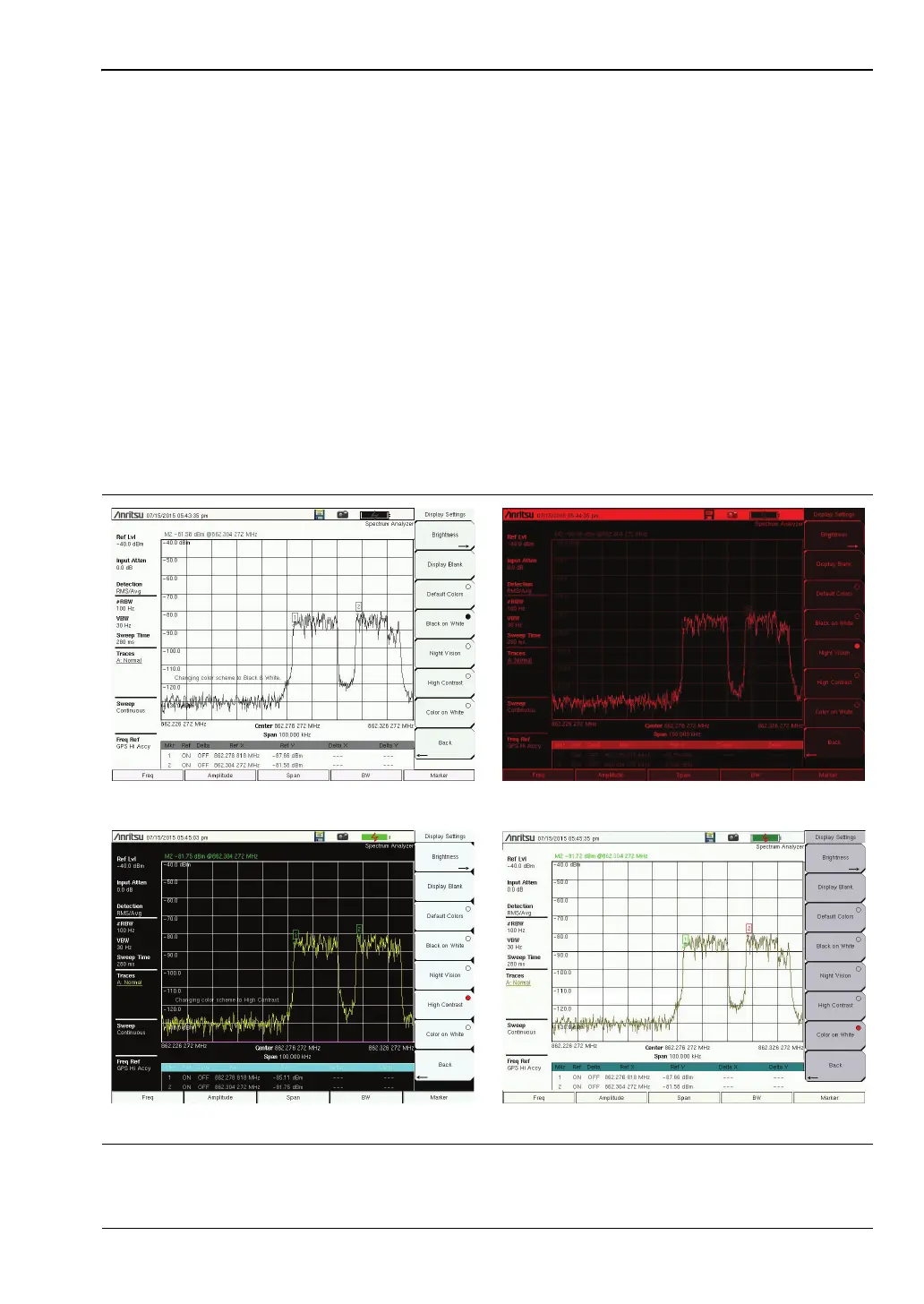
In addition to the default display colors shown in Figure 2-6 on page 2-6, you can select
different color schemes to suit the ambient lighting conditions. See Figure 2-8. Some color
settings may not be available in all measurement modes.
Black on White — used for printing and viewing in broad daylight conditions
Night Vision — optimized for nighttime viewing
High Contrast — used in challenging viewing conditions
Color on White — used for printing and viewing in broad daylight conditions
Figure 2-8. Spectrum Master Display Color Settings
Black on White Night Vision
Color on WhiteHigh Contrast














 To Next Page