9-3 Web Remote Control Interface Web Remote Control
9-12 PN: 10580-00251 Rev. T MS2712E/13E User Guide
To add a disclaimer or any other message to the Login page, enter the appropriate text in the
text box under the Device Options section of the Device Management page, then click Save.
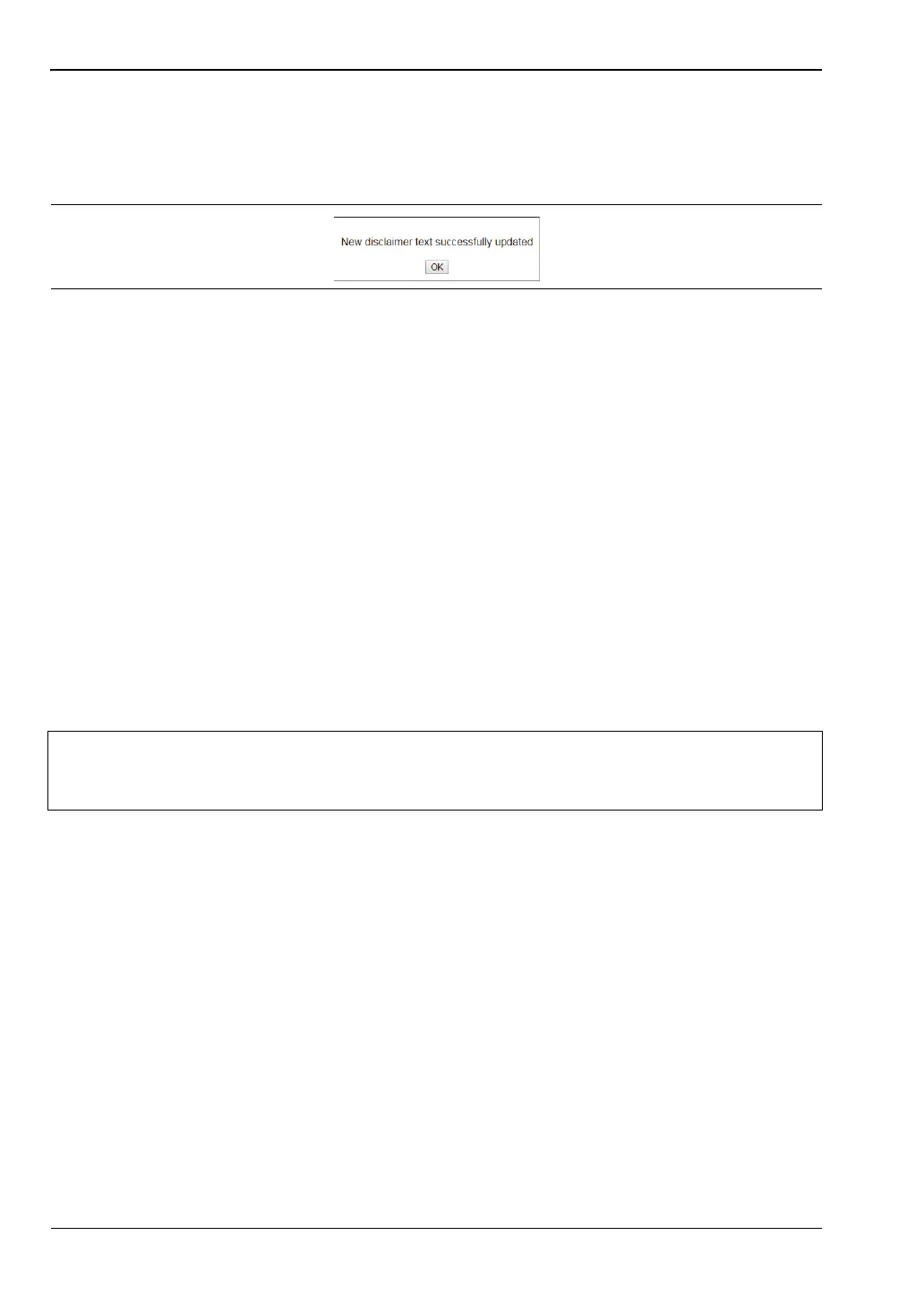
See Figure 9-9 on page 9-10. Click OK in the update status message box (Figure 9-11). You
may need to scroll the browser page to bring this message box into view.
Figure 9-10 on page 9-11 shows an example of optional text on the Login page. To remove the
message, delete it from the Disclaimer Text box on the Device Management page and click
Save, then OK.
Instrument Name
The instrument name function is the same whether you are logged in as Administrator or as a
regular user. Refer to “Instrument Name” on page 9-9.
Session Time
The session time is set in the same manner, whether you are logged in as Administrator or as
a regular user. Refer to “Session Time” on page 9-9.
Logout
Exits Web Remote Control and displays the Login page. To start a new session, enter the
password if required, then select the session time and click Login.
Figure 9-11. Disclaimer Text Update Status
Note
If you close the Web Remote Control browser window without logging out, there
may be a slight delay before the instrument is released. During this time,
connection attempts by other users will fail.














 To Next Page