Instrument Overview 2-5 Data Entry
MS2712E/13E User Guide PN: 10580-00251 Rev. T 2-13
Text Entry
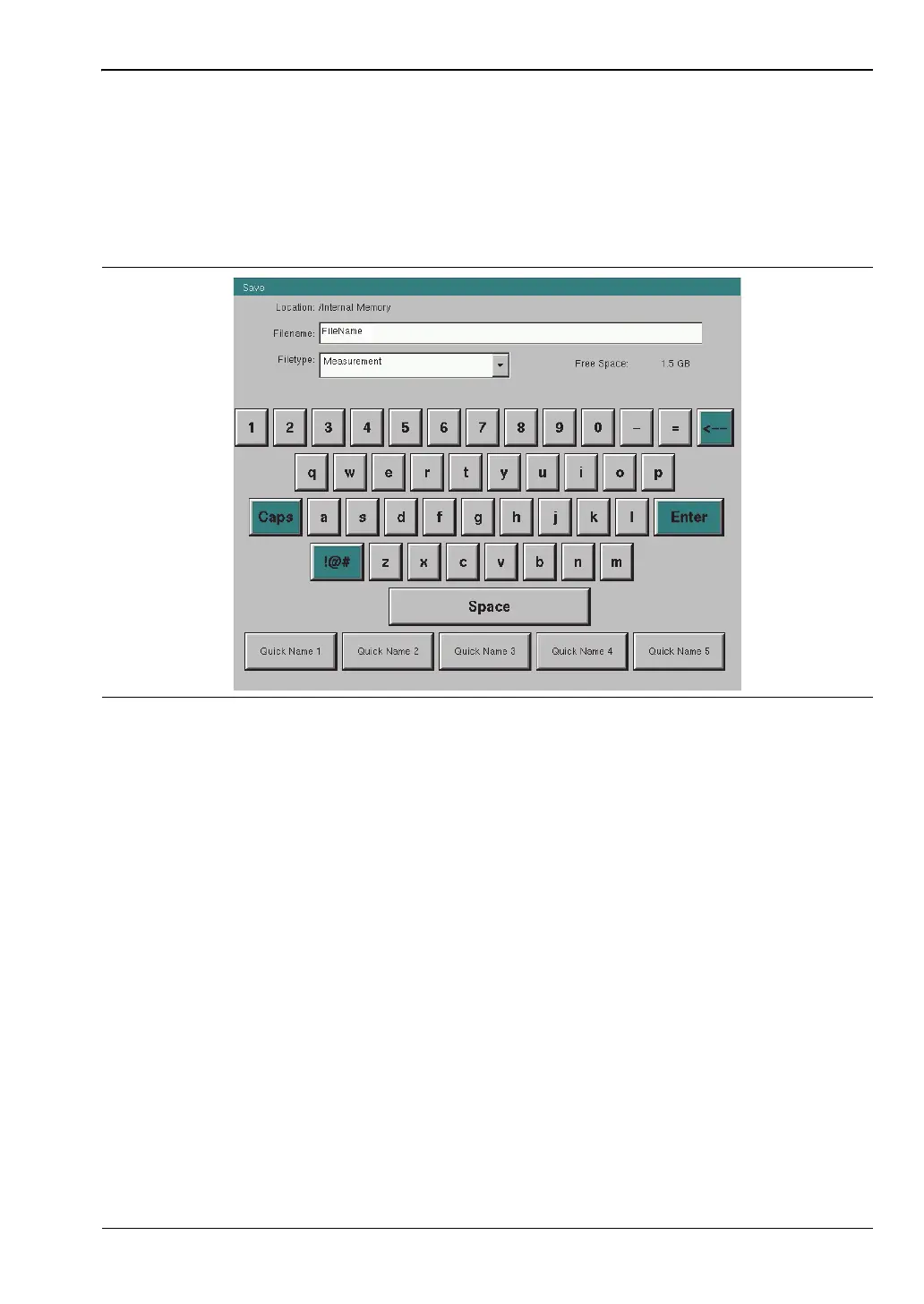
When an instrument function requires you to enter text, such as a name for a measurement
or setup file you wish to save, a touch screen keyboard is displayed. See Figure 2-12. Digits
can be entered using the touch screen keyboard or the front panel keypad. The left and right
arrow keys move the insertion point in the file name edit box.
Refer to “Save Dialog Box” on page 4-3 for information on saving files.
Figure 2-12. Touch Screen Keyboard














 To Next Page