9-3 Web Remote Control Interface Web Remote Control
9-4 PN: 10580-00251 Rev. T MS2712E/13E User Guide
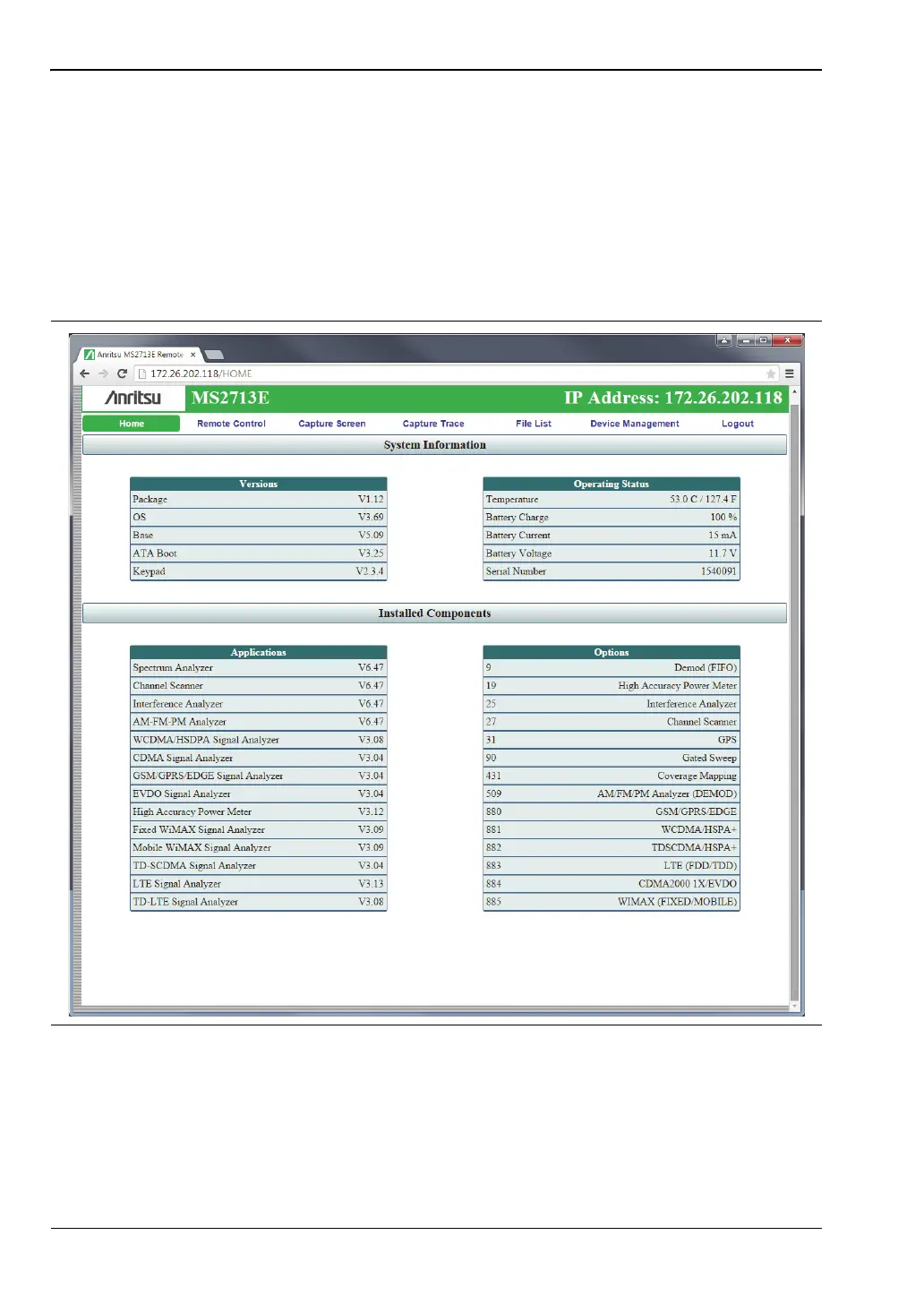
Home Page
The Web Remote Control Home page lists the same information as what is displayed on the
instrument screen when you press Shift, System (8) at the front panel, followed by the Status
menu key.
At the top of the page, a green banner shows the instrument model number and IP address. If
the instrument has been assigned a name, this name is displayed in the center of the banner.
The menu bar below the banner consists of tabs for commands and links: Home, Remote
Control, Capture Screen, Capture Trace, File List, Device Management, and Logout.
Figure 9-2. Web Remote Control Home Page














 To Next Page