Quick Start Guide 3-3 Spectrum Analyzer
MS2712E/13E User Guide PN: 10580-00251 Rev. T 3-5
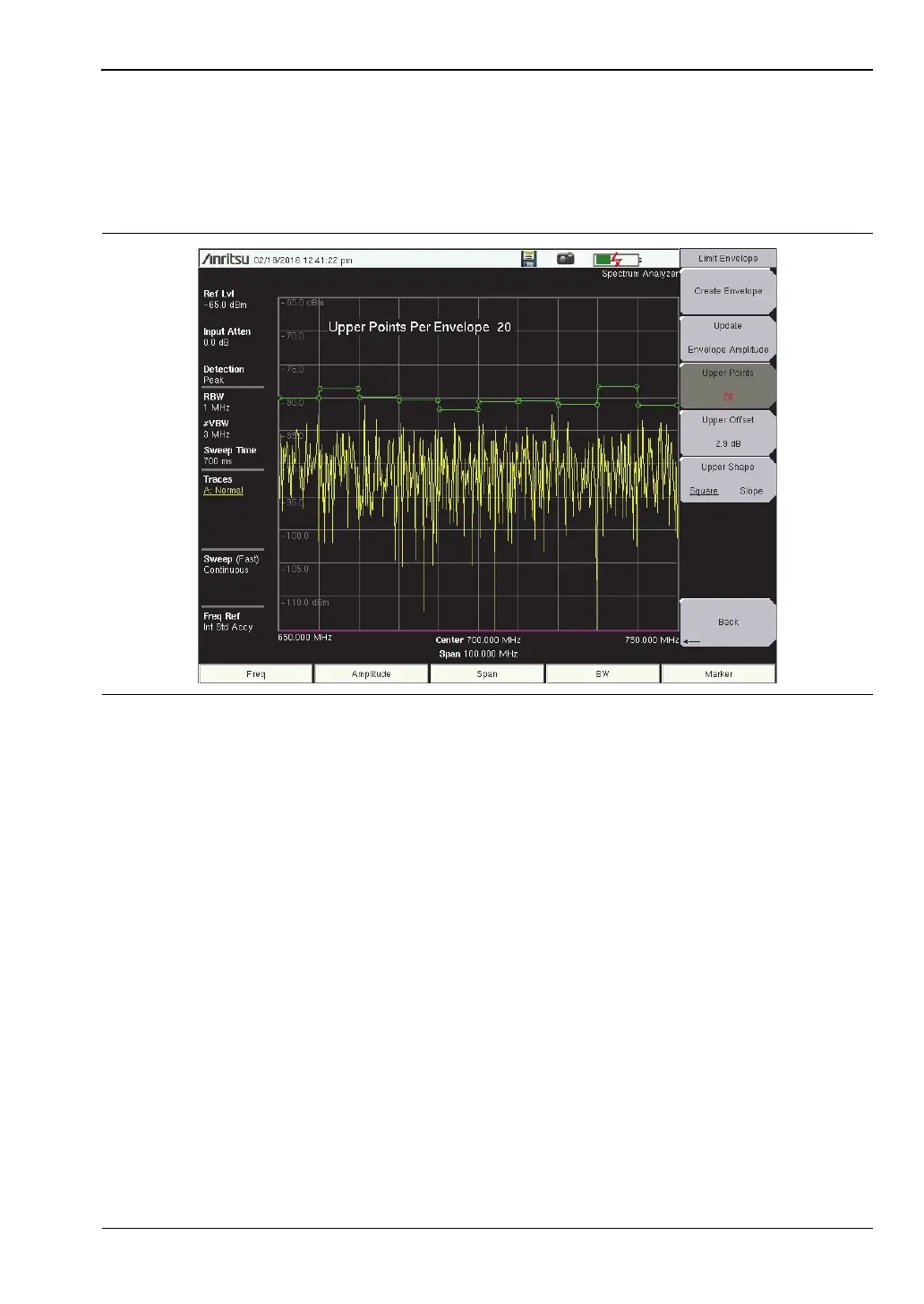
Create a Limit Envelope
1. Press Shift, then Limit (6) to display the Limit menu.
2. Select Limit Envelope.
3. Press the Create Envelope key.
Figure 3-2. Limit Envelope














 To Next Page