2-4 Interface Screen Instrument Overview
2-6 PN: 10580-00251 Rev. T MS2712E/13E User Guide
2-4 Interface Screen
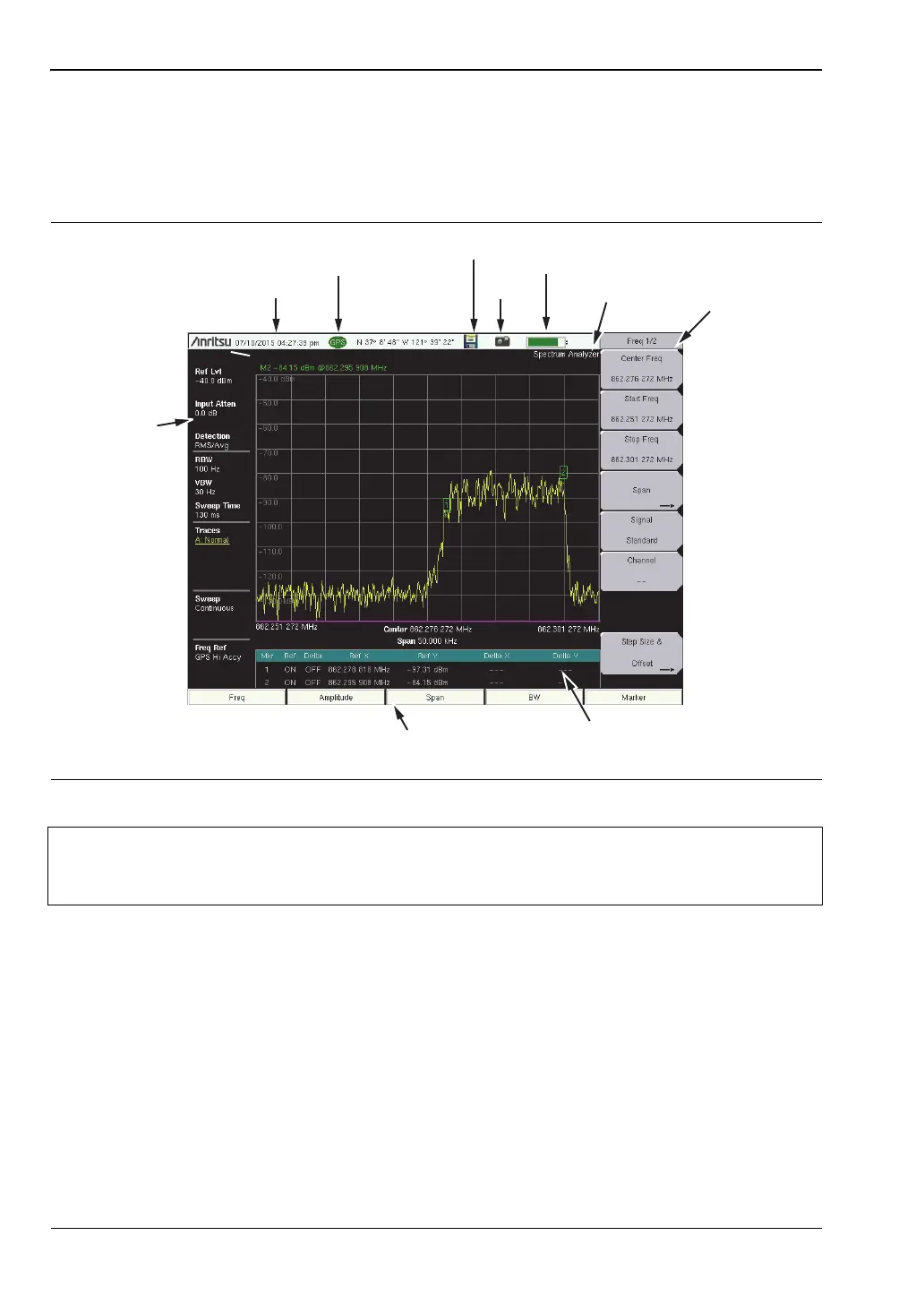
Figure 2-6 illustrates the Spectrum Master interface screen in Spectrum Analyzer mode, with
touch screen menu keys, title bar, and measurement settings and results around the graph
area, or sweep window.
Touch Screen Keys
Main Menu Touch Screen Keys
There are five main menu keys horizontally arranged along the bottom of the interface
screen. These keys give access to the instrument’s test and measurement functions, which are
documented in the applicable Measurement Guide. Refer to Appendix A, “Measurement
Guides”.
Figure 2-6. Spectrum Analyzer Display
Note
Many of the measurement settings displayed to the left and the top of the sweep
window are actually touch screen shortcuts that you can press to bring up the
corresponding menu.
Date/Time
GPS Icon
GPS Location
Save Battery
Charge
Submenu
Touch Screen
Keys
Main Menu
Touch Screen Keys
Marker Table
Measurement
Mode
Measurement
Settings
(Touch Screen
Shortcuts)
Save
Screen














 To Next Page