Instrument Overview 2-3 Instrument Front Panel
MS2712E/13E User Guide PN: 10580-00251 Rev. T 2-5
User-Created Shortcuts
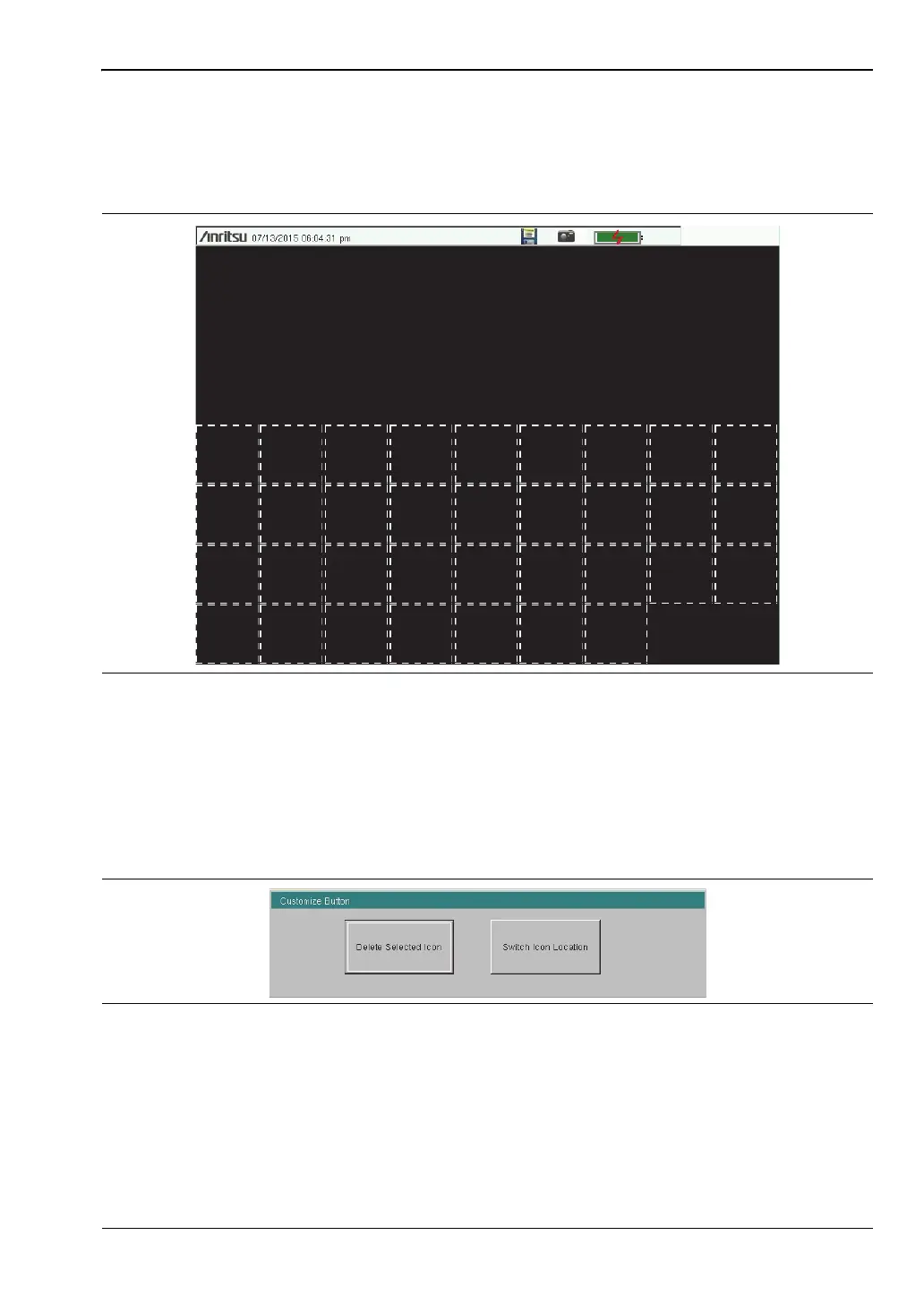
To create a shortcut to any submenu key or main menu key, press and hold the key until a
grid appears, showing the open locations on the Menu screen where you can place the new
shortcut. Press one of the cells in the displayed grid to place the shortcut. See Figure 2-4.
To create a shortcut to a setup file (.stp), press Recall under the File menu, then press and
hold the desired file name until a grid is displayed. Select the display location of the new
shortcut as described above.
User-defined shortcuts remain on the Menu screen until deleted. To delete or move a shortcut
icon, press the Menu key, then press and hold the shortcut until the Customize Button dialog
appears. See Figure 2-5. Press the appropriate button to delete or move the shortcut icon.
Press Esc to close the dialog without deleting or moving the shortcut. Also use Esc to exit the
Menu screen.
Figure 2-4. Placement Grid for User-Created Shortcuts
Figure 2-5. Customize Button Dialog














 To Next Page