EasyManua.ls Logo

Anthos SMART TOUCH R7 - Chronometer; Personalization Of Favourite Keys

Anthos SMART TOUCH R7
90 pages
Print Icon
To Next Page IconTo Next Page
To Previous Page IconTo Previous Page
Loading...
3030
EN
R7
- OPERATING INSTRUCTION
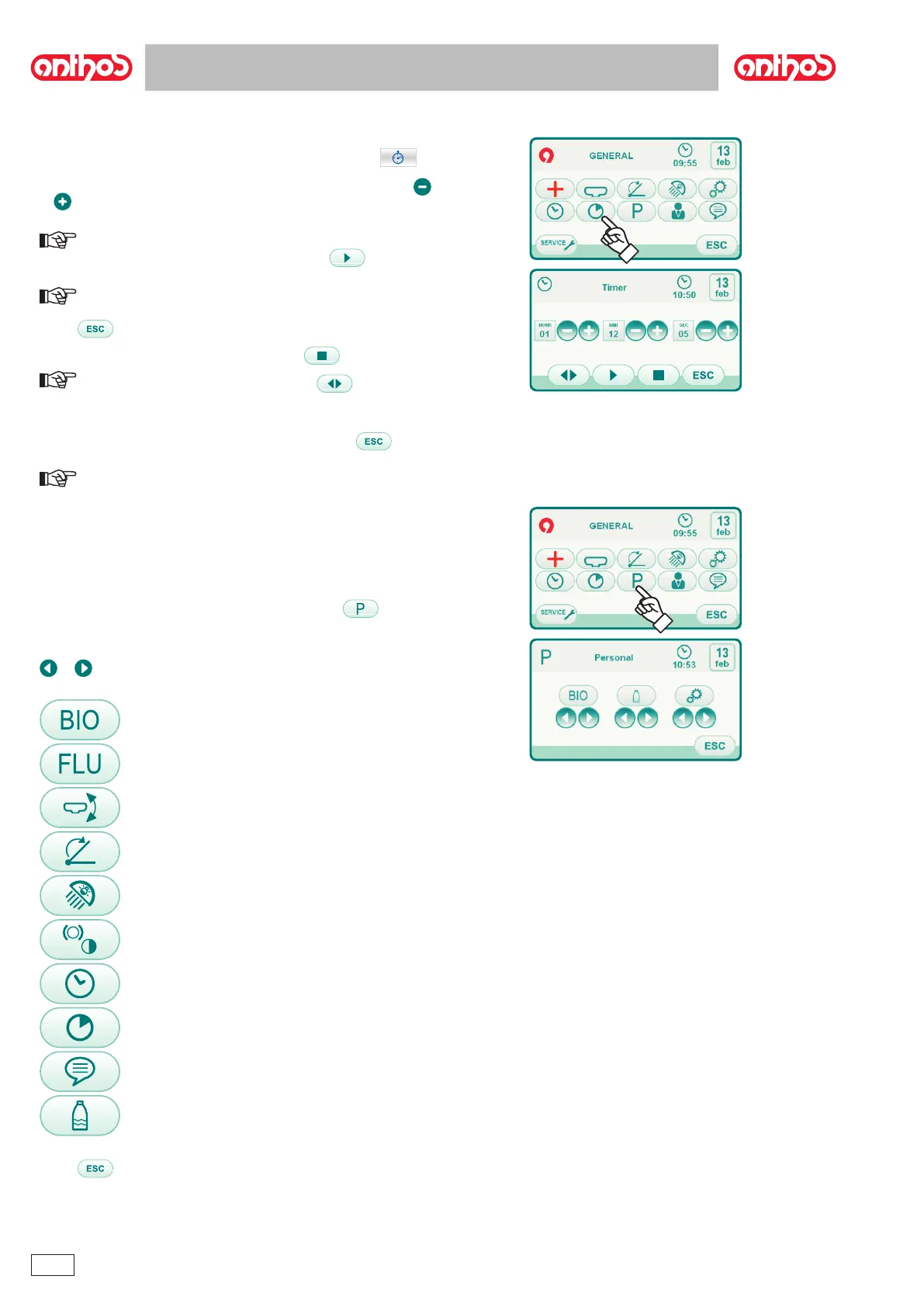
5.1.1.2.7. Chronometer
This setting is shared by all users.
       


or .
NOTE: the time can bet set from 00:00:00 to 10:59:59.
 

NOTE: at this point, you can exit this menu by touching the icon
button without interrupting the countdown.
 .
NOTE: at this point, touching the icon button you can reset
the chronometer to the last time set.


 

NOTE: the last time set remains stored.
5.1.1.2.8. Personalization of favourite keys



 



or .














 .

Table of Contents

Related product manuals