25
3 System Installation
First we should install background management software on the computer.
Please refer to the following steps:
3.1 Running Environment
Hardware environment:
PentiumⅡ266 and above; PentiumⅢ500 and above is recommended;
128 Memory and above; Minimum 100M hardware space;
COM Port;
CD-ROM (CD-ROM needed in installation);
VGA support 800*600 resolution and above;
Operating system:
Microsoft Windows 2000/ XP (recommended);
Microsoft Windows Vista;
Microsoft Windows 7;
3.2 System Installation
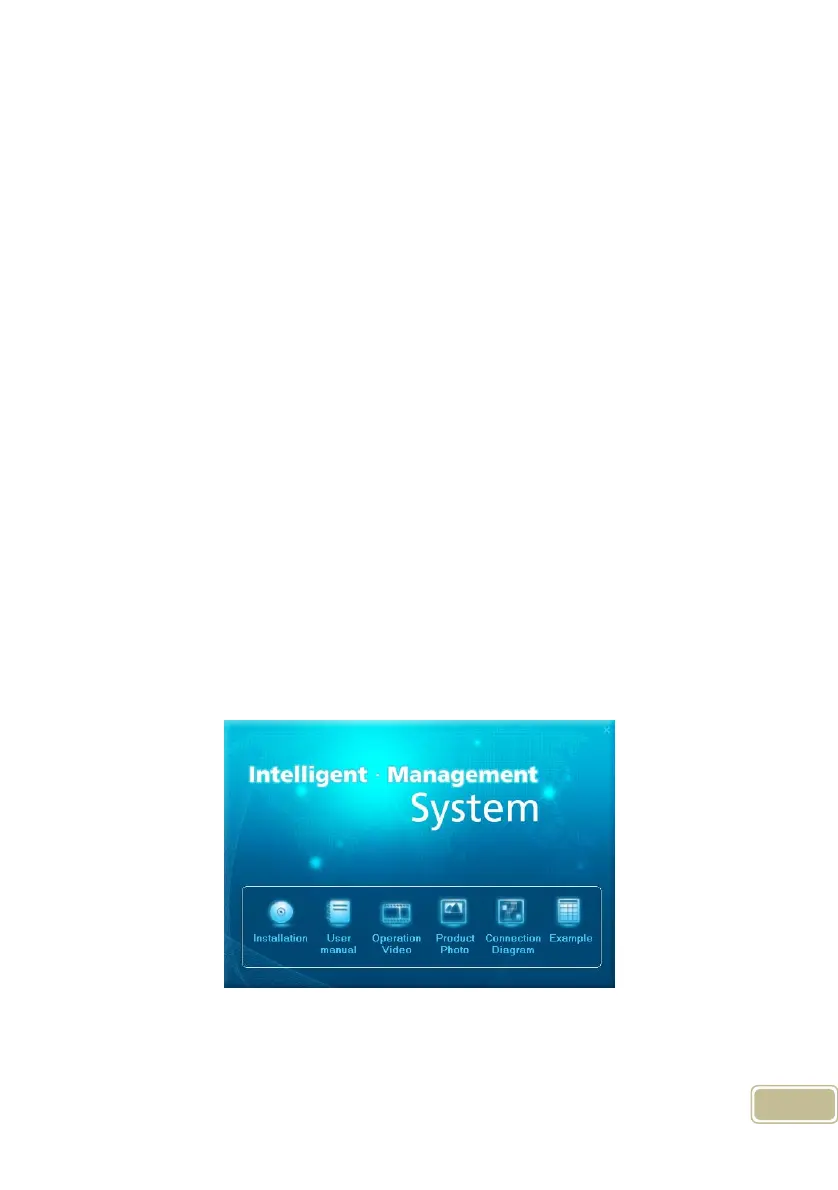
Please insert CD-ROM and the disc will automatically run the Guide interface.
If not, please run Guide interface.exe in the root directory of the disc. The following
window will pop up:
Click [Installation] to continue installation (see the picture below):



 To Next Page