83
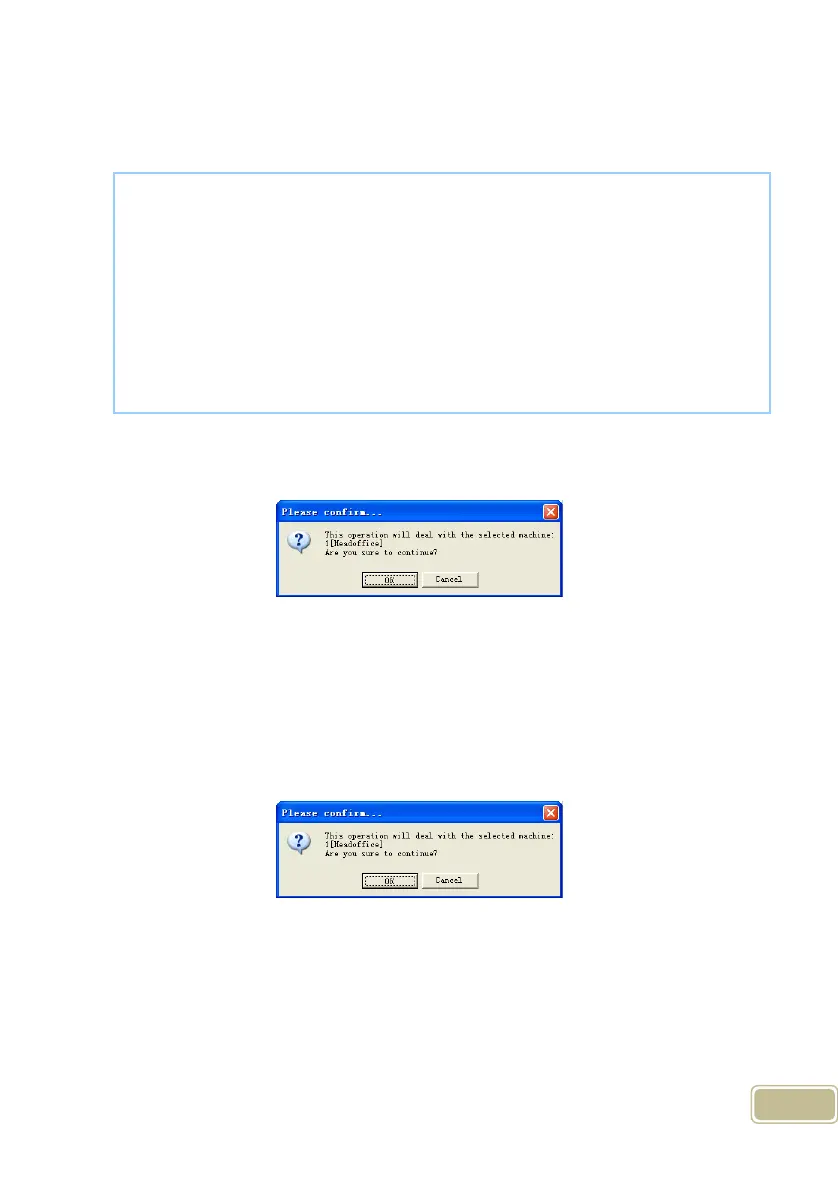
Click the button [OK] to confirm or click the button [Cancel] to cancel.
The operation information displays on the main interface as follows:
Notice: You can stop back upping the employee by click the button on the right
bottom corner. Following message box pops up:
Click the button [OK] to confirm or click the button [Cancel] to cancel.
5.1.14 Resume Employee
Upload the employee information and employee’s templates from the computer
to the terminal.
Click the button [Resume Employee]. Following message box pops up:
Click the button [OK] to confirm or click the button [Cancel] to cancel.
Some operation information displays as follows:
[2011-08-25 15:15:07]Back upping employees...
[2011-08-25 15:15:07]Backup employee:1[Head office]
[2011-08-25 15:15:08]1[Head office]Backup employee information
completed, Records:1, Read successfully:1
[2011-08-25 15:15:08]1[Head office]Backuping fingerprints...
[2011-08-25 15:15:08]1[Head office]Backup employees and fingerprints
completed!



 To Next Page